How to Fix a Black Screen on Your Roku Device

By Trae Jacobs,

When you buy through our links, we may earn an affiliate commission.
Your Roku device is showing a black screen instead of the home menu. You can resolve this display issue by performing a proper power cycle sequence.
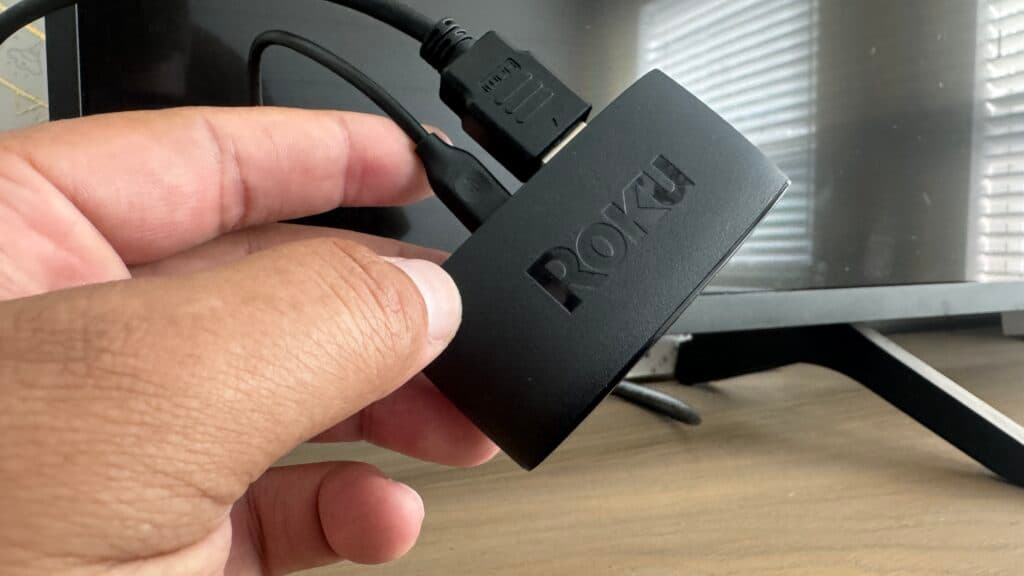
- Unplug the Roku device from its power source and remove the HDMI cable from the back of your TV, letting everything sit disconnected for at least 60 seconds [0:45].
- Make sure your Roku’s power adapter is plugged directly into a wall outlet rather than a USB port on the TV.
- With the TV powered on and set to the correct HDMI input, plug the Roku device back into the HDMI port [1:37].
- Reconnect the Roku’s power cable to the wall outlet and wait for the device to initialize.
Ninja Tip: Ensure you are using the original power cable and brick that came with your Roku, as many TV USB ports do not provide enough consistent voltage to power the streaming device correctly.
If the screen remains black, perform a factory reset by navigating to Settings > System > Advanced system settings > Factory reset.
Keep Reading



