How to Find Your Samsung TV Model Number

By Trae Jacobs,

When you buy through our links, we may earn an affiliate commission.
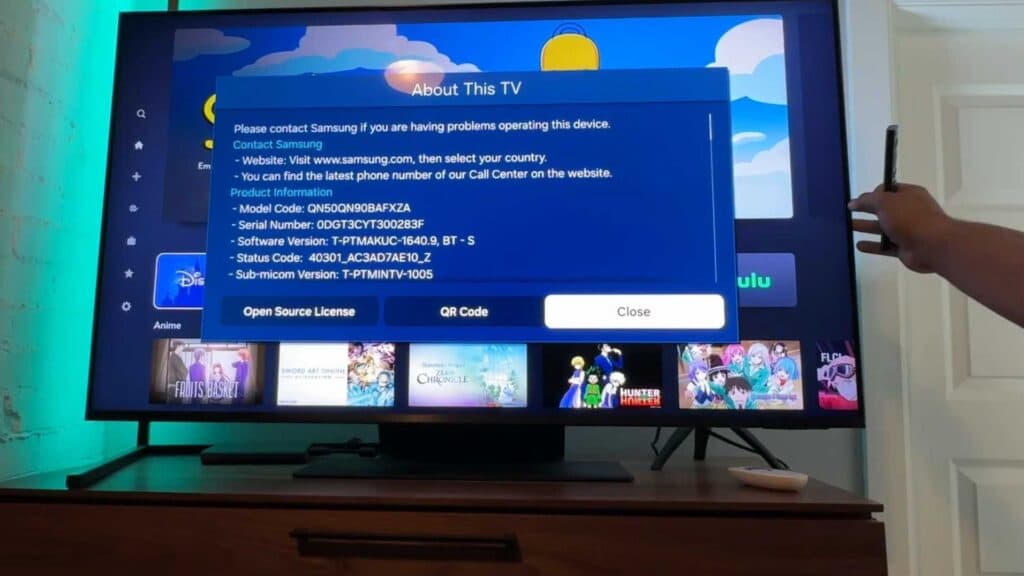
You need to identify your Samsung TV model number for support or repairs. You can locate this information quickly using these steps.
- Open the Settings menu on your TV and navigate to the Support section [0:10].
- Scroll down to the About this TV option to view your model code on the screen [0:38].
- Check the back of your television for a sticker or engraving that lists the exact same model number [1:12].
Ninja Tip: You can also find your model number on the original purchase receipt or the shipping box if you still have them. This avoids needing to move or reach behind your mounted TV.
If you still cannot find it, you can often locate the information in your Samsung account details by navigating to Menu > Settings > Support > About This TV.
Keep Reading


