How to Find Your Recorded Google Meet Meetings

By Trae Jacobs,

When you buy through our links, we may earn an affiliate commission.
You cannot find your recorded Google Meet sessions after the call ends. You can locate these files by checking specific locations in your Google account.
- Check your email inbox for a notification from Google regarding your meeting recording [0:27]. Keep in mind that it takes some time for the system to process the file and send the email.
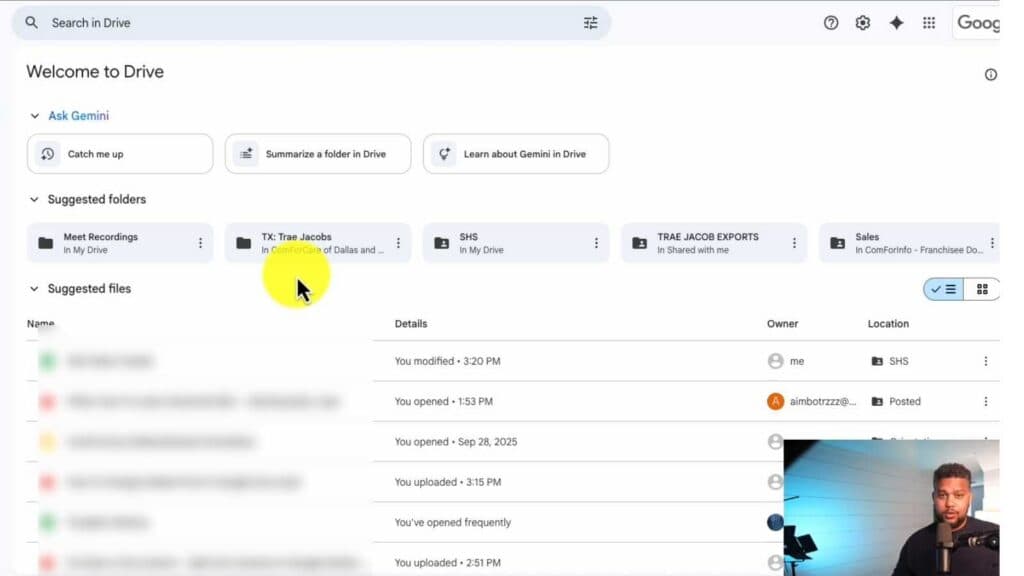
- Open your Google Drive and look inside the “Meet Recordings” folder [0:37]. This folder is automatically created by the system to store all your recorded sessions.
- Open the original calendar invitation for the meeting [0:51]. If you scheduled the meeting through Google Calendar, the recording file will be attached directly to that event.
Ninja Tip: If you are using a free personal Google account, remember that recording features are not available and your meetings will not be saved. You must have a paid Google Workspace edition to enable and store recordings.
If you still cannot locate your recordings, verify your organization’s storage settings by going to Admin Console > Apps > Google Workspace > Google Meet > Meet video settings.
Keep Reading



