How to Find Your Forgotten Apple ID on iPhone

By Trae Jacobs,

When you buy through our links, we may earn an affiliate commission.
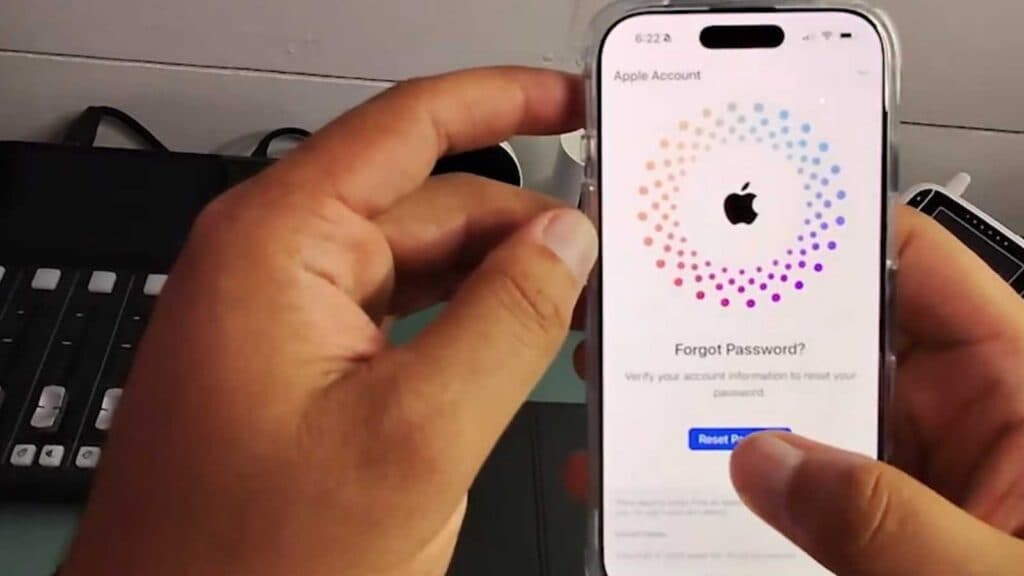
You do not know what your Apple ID is. You can recover your account by following these steps.
- Open the Settings app on your iPhone and tap your name at the very top of the menu to reveal your associated email address [0:15].
- If you are signed out, manually navigate to iforgot.apple.com in a web browser to start the lookup process [1:12].
- Enter the email address or phone number you suspect is tied to your account, and follow the on-screen prompts to recover your Apple ID details.
Ninja Tip: Check your secondary email inboxes or look for old purchase receipts from Apple, as these messages are always sent to the specific email address registered as your Apple ID.
If you still cannot recover your account, you can perform a factory reset by navigating to Settings > General > Transfer or Reset iPhone > Erase All Content and Settings.
Keep Reading


