How to Find Your 2024 Spotify Wrapped Playlists

By Trae Jacobs,

When you buy through our links, we may earn an affiliate commission.
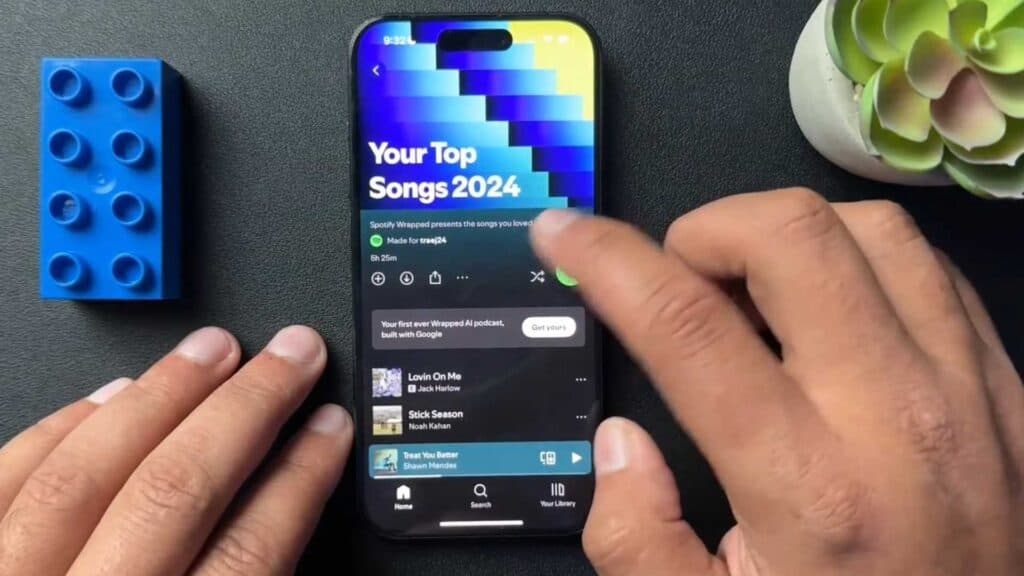
You are looking for your 2024 Spotify Wrapped playlists and cannot locate them in the app. You can follow these steps to access your personal collection of top songs.
- Open the Spotify app and navigate to the top of the screen next to your profile icon [0:18].
- Tap the button labeled Wrapped to view your playlists [0:21].
- Select the specific playlist you want to listen to or share [0:33].
- Hit the share button next to the download icon to send the playlist to others.
Ninja Tip: You can also search for the term Wrapped directly in the Spotify search bar to instantly pull up your yearly summary and playlists.
If you still do not see your results, check for an update in your device’s App Store or Google Play Store.
Keep Reading