How to Find and Manage Locked WhatsApp Chats

By Trae Jacobs,

When you buy through our links, we may earn an affiliate commission.
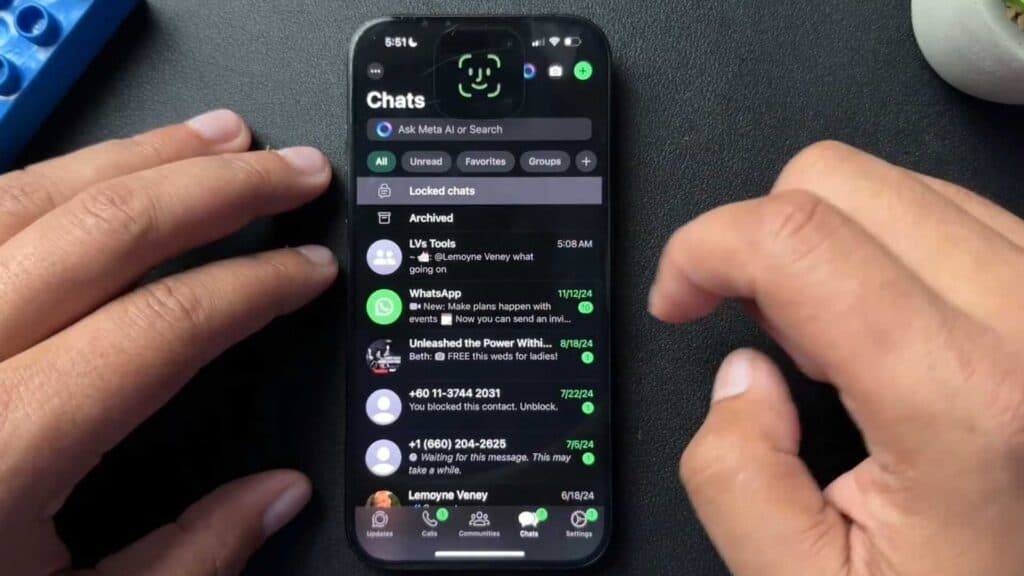
Your locked messages are hidden from your main inbox folder. You can access or modify these protected threads by following these steps.
- Go to your main chat screen and swipe down on the display to reveal the Locked chats folder [0:15].
- Open the folder and verify your identity using your device’s biometrics or passcode [0:28].
- To lock a new conversation, press and hold the specific message thread, select the menu, and tap Lock chat [0:39].
- Confirm your choice by providing your face scan or passcode when prompted [0:48].
- To remove a lock, open the locked folder, press and hold the chat, and select Unlock chat to return it to your general inbox.
Ninja Tip: You can set up a unique Secret Code for your locked chats by going to the folder settings, which provides an extra layer of privacy that hides the locked folder entirely until you search for your custom code in the search bar.
If you lose access to your biometric authentication, navigate to Settings > Account > Two-Step Verification to manage or reset your access credentials.
Keep Reading




