How to Find and Install Apps on Your Samsung Smart TV

By Trae Jacobs,

When you buy through our links, we may earn an affiliate commission.
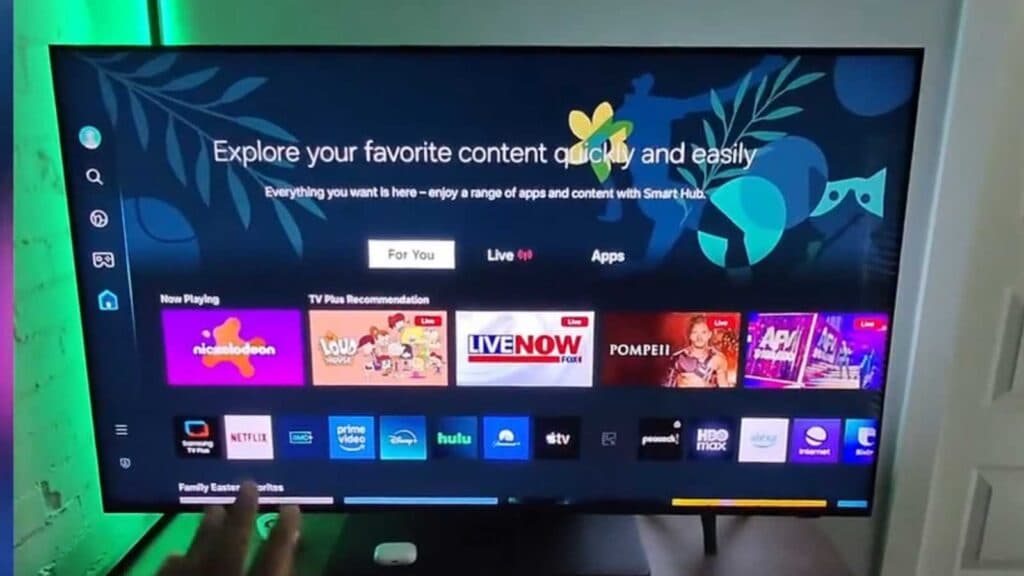
You cannot find the app you want to download on your Samsung TV home screen. You can add new apps by following these steps.
- Use the search bar on your TV home screen to type in the name of the app you want to install [0:30].
- Scroll down past the suggested shows and movies until you see the apps section [0:41].
- Select the app from the results list to begin the download process.
Ninja Tip: You can pin your favorite apps to your home screen by navigating to the Apps section, selecting the Settings gear icon, and choosing “Add to Home” for your most-used services.
If the store continues to malfunction, navigate to Settings > General > Reset to perform a factory reset.
Keep Reading



