How to Factory Reset Your Sonos Speaker

By Trae Jacobs,

When you buy through our links, we may earn an affiliate commission.
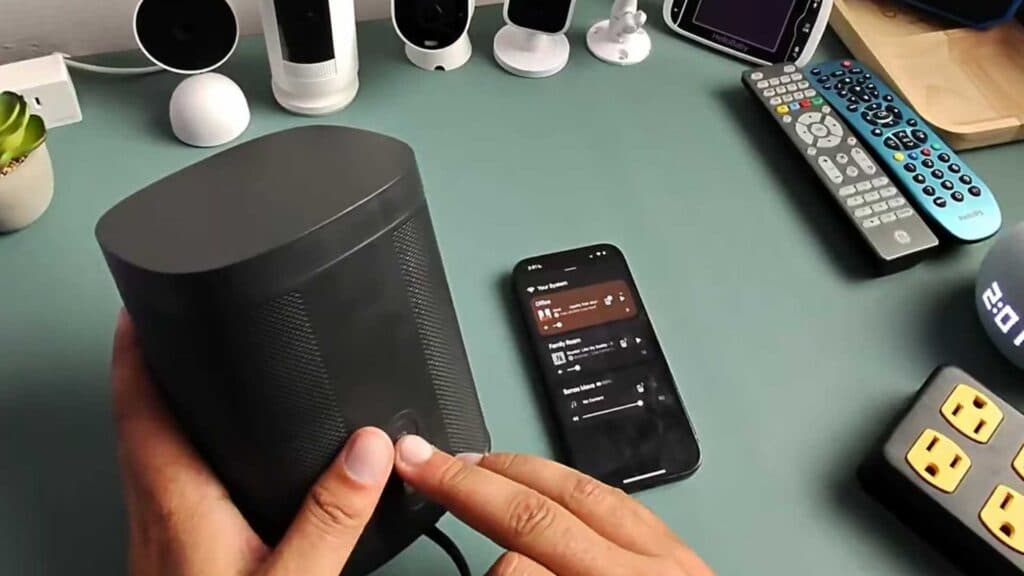
Your Sonos speaker is unresponsive or needs to be completely wiped and reconfigured. You can resolve this by performing a factory reset to return the device to its original settings.
- Unplug the power cable from your Sonos speaker. [0:35]
- Press and hold the join button on the back of the speaker while plugging the power cable back in. [0:38]
- Continue holding the button until you see the light on top of the device begin flashing white and orange. [0:44]
- Open the Sonos app on your phone and follow the on-screen prompts to add the speaker back into your system. [1:58]
Ninja Tip: Before resetting, check if your speaker is simply disconnected from your Wi-Fi by toggling your router off and on, as a power cycle often fixes connection issues without needing a full factory reset.
To perform a factory reset, follow the steps above or navigate to Settings > System > [Speaker Name] > Remove Product in the Sonos app.
Keep Reading



