How to Factory Reset Your Roku Device

By Trae Jacobs,

When you buy through our links, we may earn an affiliate commission.
Your Roku device is experiencing errors that require a clean slate. You can restore your device to its original factory settings to resolve these issues.
- From the home screen, scroll down and select Settings [0:14].
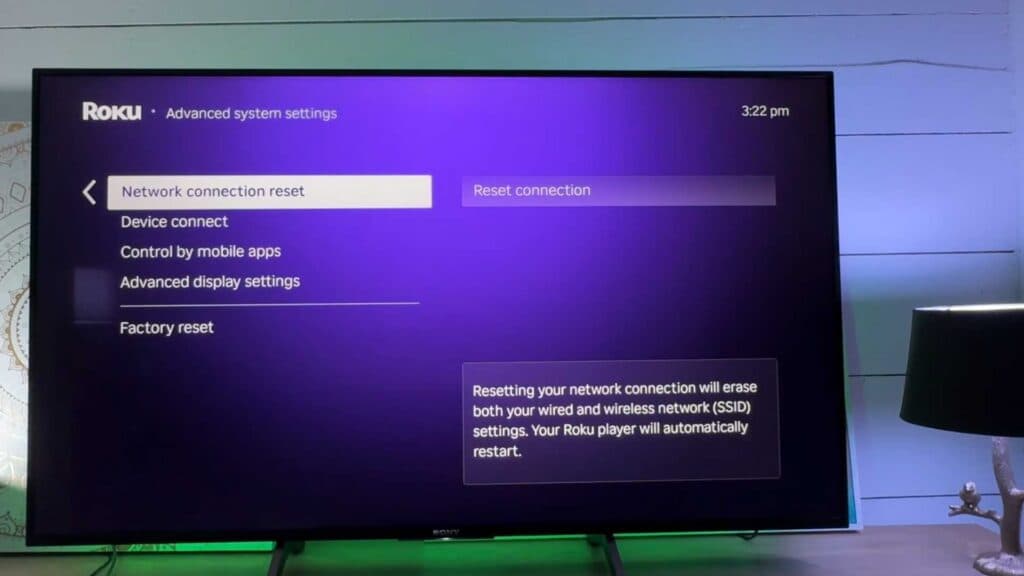
- Navigate to System and then select Advanced system settings [0:23].
- Choose Factory reset and enter the unique code displayed on your TV screen to confirm [0:30].
Ninja Tip: If you are having connectivity issues, try checking for a system update under Settings > System > System update before committing to a full wipe of your device.
You can perform a factory reset by navigating to Settings > System > Advanced system settings.
Keep Reading



