How to Factory Reset Your Ecobee Thermostat to Change Ownership

By Trae Jacobs,

When you buy through our links, we may earn an affiliate commission.
Your Ecobee thermostat remains linked to a previous owner or an old account. You can clear all current settings and data to prepare the device for a new user.
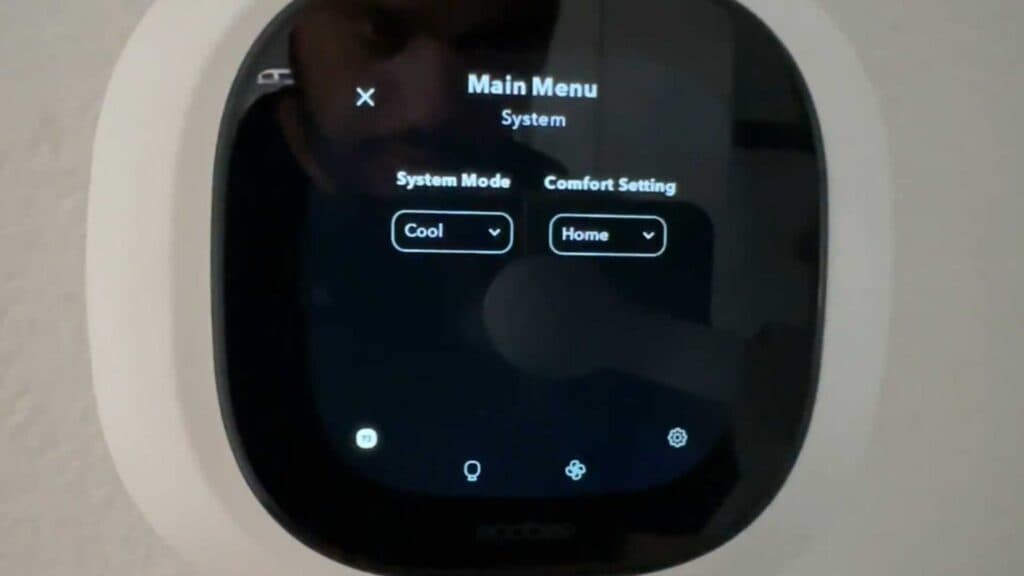
- Tap the three lines on the main screen to open the menu [0:24].
- Select Settings from the menu options [0:28].
- Scroll down and tap Settings a second time to access the deeper configuration menu [0:40].
- Scroll to the bottom of the list and choose Reset [0:43].
- Select Reset All and confirm your choice by tapping Yes to wipe the thermostat and enter setup mode.
Ninja Tip: Before performing a factory reset, remember to also remove the thermostat from your Ecobee account via the mobile app or web portal to ensure the device is completely unlinked from your cloud data.
To perform a full system wipe, navigate to Main Menu > Settings > Settings > Reset > Reset All.
Keep Reading




