How to Enable Picture-in-Picture Mode on iPhone for YouTube

By Trae Jacobs,

When you buy through our links, we may earn an affiliate commission.
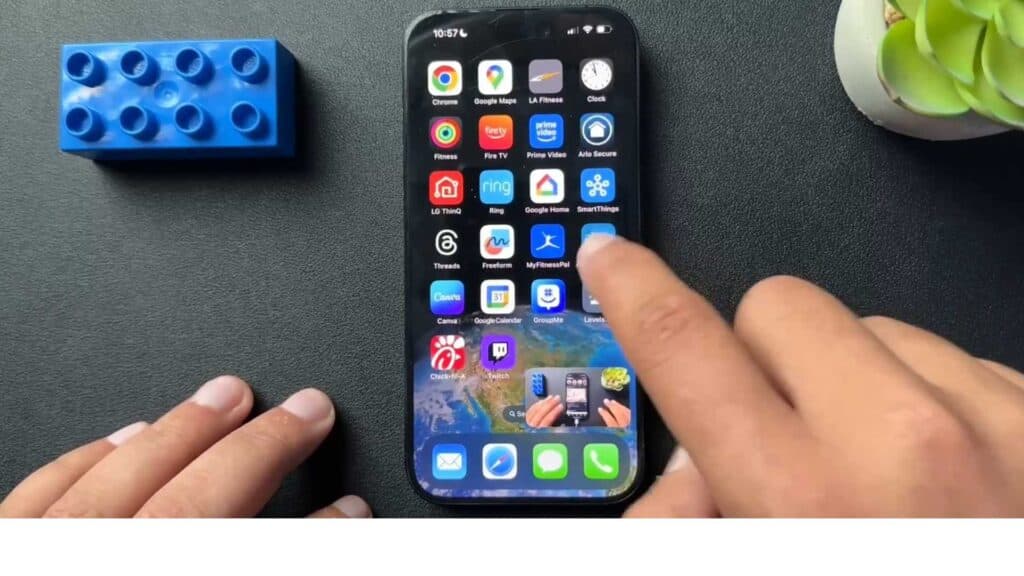
Your iPhone videos stop playing when you close the app or return to the home screen. You can fix this by enabling the Picture-in-Picture setting.
- Open your iPhone Settings app and scroll down to the General menu [0:55].
- Tap on the Picture in Picture option to open the configuration menu [0:59].
- Toggle the Start PiP Automatically switch to the ON position [1:02].
Ninja Tip: If you find the PiP window is blocking your view, you can hide it by sliding it off the left or right edge of your screen; the audio will keep playing, and you can pull it back out by tapping the arrow tab.
If you continue to experience playback issues, check for updates in Settings > General > Software Update.
Keep Reading



