How to Enable Filmmaker Mode on Your LG TV

By Trae Jacobs,

When you buy through our links, we may earn an affiliate commission.
Your LG TV is currently displaying movies with artificial processing that alters the creator’s original intent. You can adjust these settings to enable Filmmaker Mode for a more authentic viewing experience.
- Press the settings button on your remote control to open the menu [0:32].
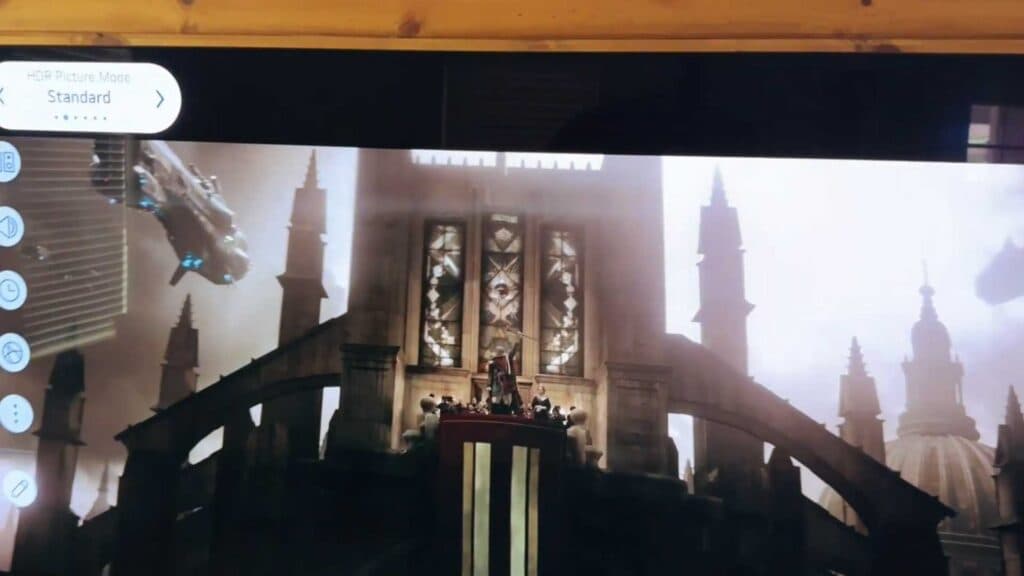
- Select the “Picture Mode” option at the top of the menu screen [0:38].
- Scroll through the available options and select “Filmmaker Mode” to apply the setting.
Ninja Tip: Filmmaker Mode disables motion smoothing, also known as the “soap opera effect,” which can make cinematic content look unnaturally lifelike. If you find the image feels too dim in a bright room, try adjusting the “Energy Saving” settings or increasing the OLED Pixel Brightness independently.
If you encounter persistent picture issues, you can perform a factory reset by navigating to Settings > General > System > Reset to Initial Settings.
Keep Reading


