How to Enable Dark Mode on the TikTok App

By Trae Jacobs,

When you buy through our links, we may earn an affiliate commission.
Your TikTok app is displaying in light mode even though your phone settings are set to dark mode. You can manually update your display settings in the app to fix this.
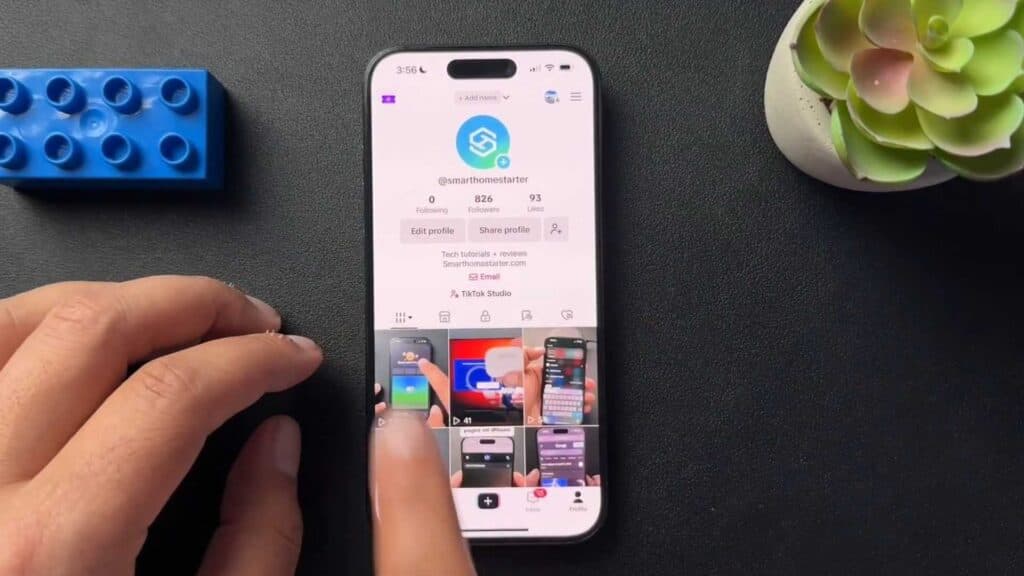
- Open the TikTok app on your device [0:23].
- Tap the three dots icon in the upper right-hand corner of your screen to open the menu [0:26].
- Select “Settings and Privacy” from the list [0:29].
- Scroll down and tap on “Display” [0:33].
- Choose “Dark Mode” or select the option to sync with your device settings to have the app automatically match your phone’s appearance.
Ninja Tip: If you choose the device settings option, ensure your phone’s system-wide display schedule (like Night Shift or scheduled Dark Mode) is enabled so TikTok can toggle themes automatically based on the time of day.
If the interface remains unchanged, perform a clean reinstall by uninstalling the app and downloading it again from your device’s app store.
Keep Reading


