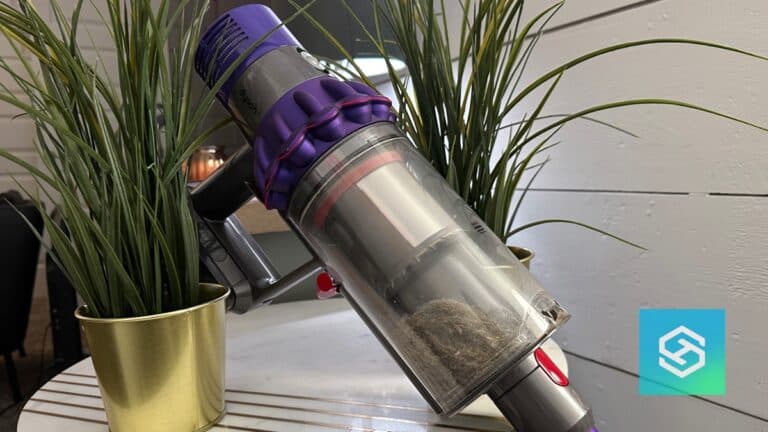
How to Empty a Dyson V10 Vacuum Bin

By Trae Jacobs,

When you buy through our links, we may earn an affiliate commission.
Your Dyson dust bin is currently full of debris and needs to be cleared. You can empty it in just a few seconds by following these steps.
- Disconnect the attachment from the main body of the vacuum to make handling easier [0:21].
- Position the vacuum directly over a garbage can to contain any loose dust or debris as it falls [0:33].
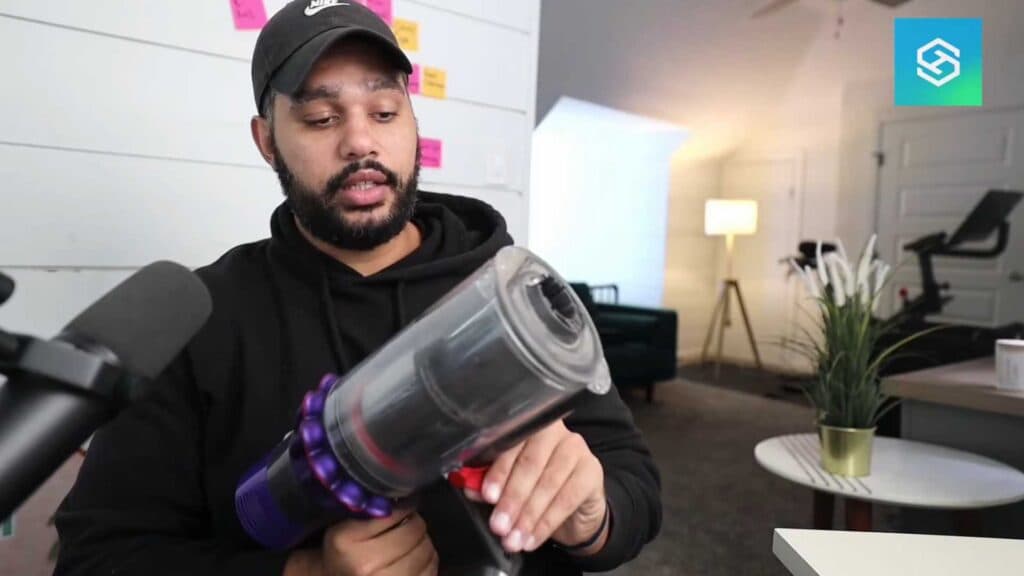
- Locate the red handle on the back of the vacuum and push it down firmly [0:44].
- Apply a little extra force to the handle if the bin does not open on your first push [0:55].
- Allow the bottom of the bin to open completely so the contents empty directly into the trash [1:00].
Ninja Tip: If dust gets stuck behind the cyclone shroud, use a soft paintbrush or microfiber cloth to gently wipe it away once the bin is open. Avoid using water to clean the inside of the cyclone, as this can damage the internal components.
If the bin mechanism remains stuck or damaged, you may need to replace the entire clear bin assembly by ordering a genuine replacement part from the official Dyson support website.
Keep Reading