How to Edit a WhatsApp Message After Sending

By Trae Jacobs,

When you buy through our links, we may earn an affiliate commission.
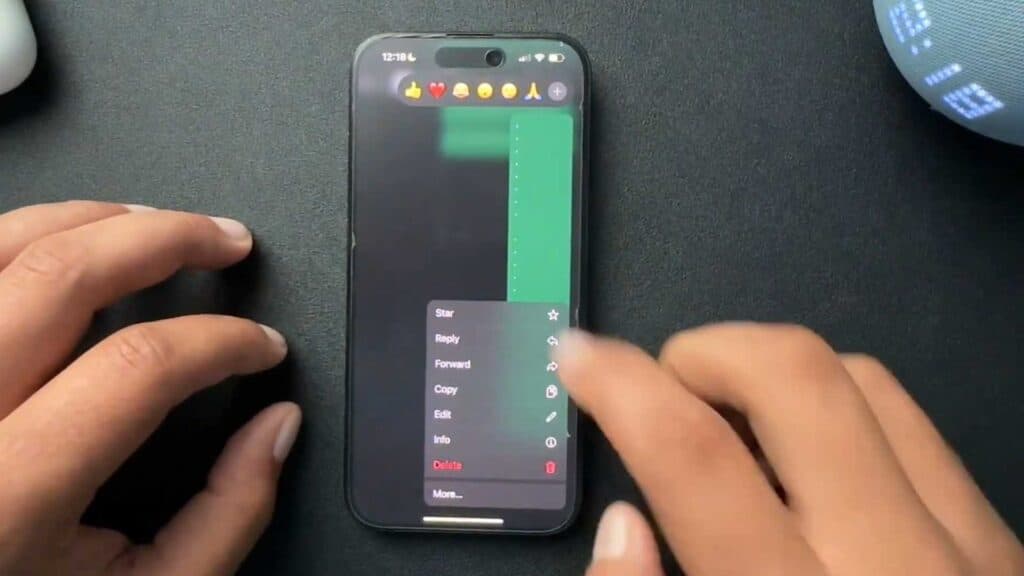
You sent a WhatsApp message containing a typo or incorrect information. You can correct that message directly within the app.
- Find the message in your chat that needs an update [0:09].
- Press and hold down on that message to open the options menu [0:16].
- Select the Edit option from the list that appears [0:30].
- Type your corrected text into the box and save the changes.
Ninja Tip: Keep in mind that WhatsApp only allows you to edit a message for up to 15 minutes after it has been sent.
If you cannot edit your messages, update your app in the App Store or Google Play Store.
Keep Reading




