How to Download and Install Apps on Apple TV

By Trae Jacobs,

When you buy through our links, we may earn an affiliate commission.
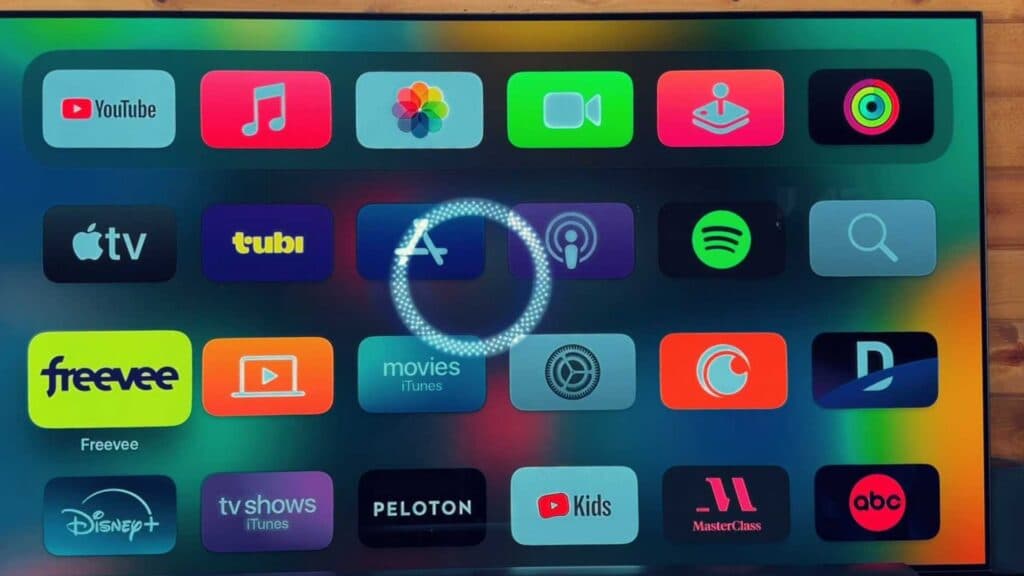
You need to add a new app to your Apple TV to access your preferred content. You can complete this installation process by following these steps.
- Open the App Store on your Apple TV home screen. [0:13]
- Browse or search for the specific app you want to download. [0:15]
- Select the “Get” button or the price tag if it is a paid app. [0:26]
- Confirm the download by using your connected Apple device or by entering your Apple ID password.
- Wait for the app to install and click “Open” to launch it.
Ninja Tip: If you want to keep your home screen organized, you can hold down the Select button on your remote while hovering over an app to move it to a new location or put it into a folder.
If you encounter recurring installation issues, perform a reset by going to Settings > System > Reset.
Keep Reading



