How to Disable the Remote Beeping Sound on Google TV

By Trae Jacobs,

When you buy through our links, we may earn an affiliate commission.
Your Google TV remote makes a beeping sound every time you press a button. You can disable this audio feedback in your system settings.
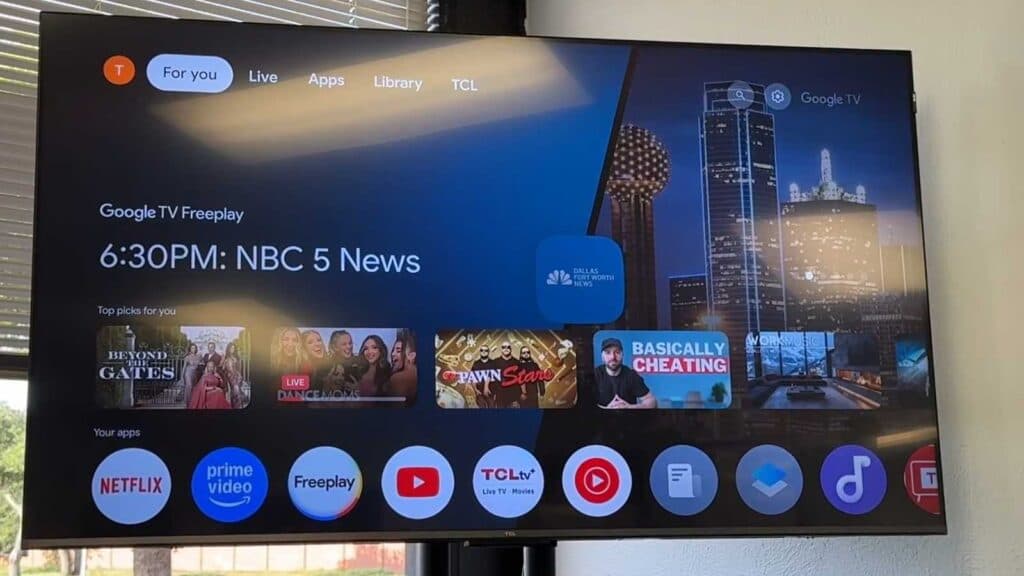
- Use your remote to navigate to the settings gear icon on your home screen and select All settings [0:21].
- Scroll down the menu and select the System option [0:33].
- Navigate to System sounds to view your current audio settings [0:38].
- Select Off from the list of volume options to disable the beeping sound entirely.
Ninja Tip: If you find that your remote still feels unresponsive after changing sound settings, check your remote’s battery levels in the Remotes & Accessories menu to ensure a stable Bluetooth connection.
If you continue to experience persistent remote issues, you can perform a factory reset by navigating to Settings > System > About > Reset.
Keep Reading



