How to Disable Privacy Mode on Your Yale Smart Lock

By Trae Jacobs,

When you buy through our links, we may earn an affiliate commission.
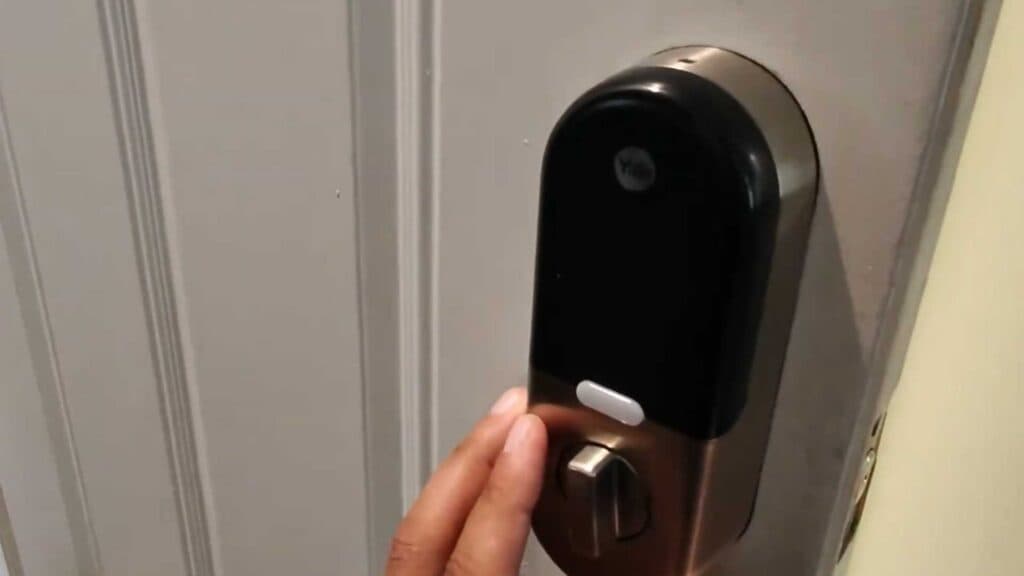
Your Yale smart lock keypad is unresponsive and your master code isn’t working because Privacy Mode is currently active. You can turn this feature off to regain full access to your lock.
- Press and hold the Privacy Mode button on the interior side of the lock until the status voice confirms it is off [0:52].
- Alternatively, you can unlock the door manually from the inside to automatically deactivate the mode [0:59].
- You can also open the Yale app on your phone and tap the unlock button to disable Privacy Mode remotely.
Ninja Tip: If you frequently toggle this setting, check your auto-lock timer settings in the app; sometimes, Privacy Mode is triggered accidentally if the internal button is bumped while cleaning or during regular use.
If the keypad remains unresponsive after trying these steps, perform a factory reset by removing the battery cover and pressing the reset button inside the battery compartment.
Keep Reading



