How to Disable Auto-Join for Wi-Fi Networks on iPhone

By Trae Jacobs,

When you buy through our links, we may earn an affiliate commission.
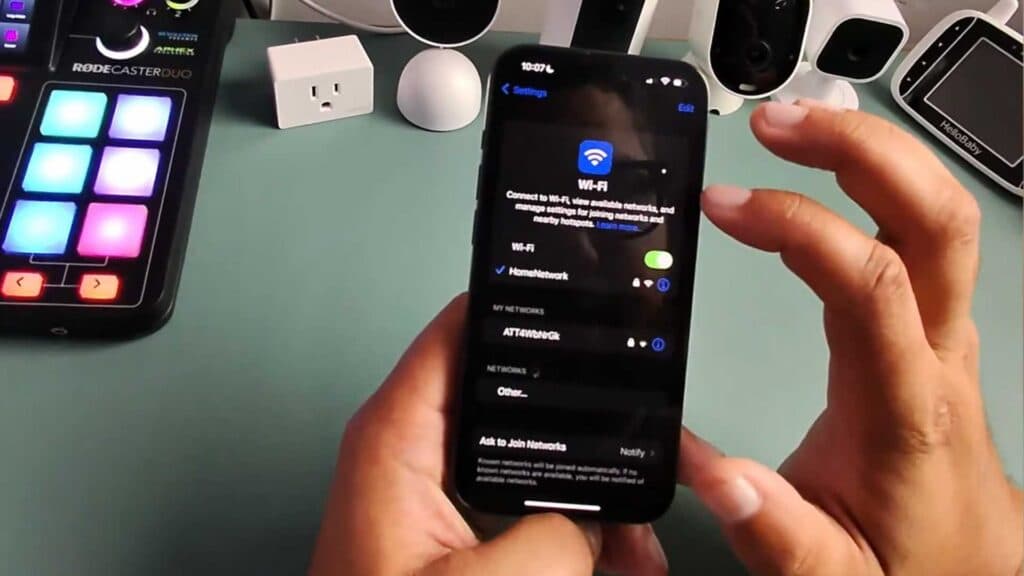
Your iPhone automatically connects to saved Wi-Fi networks whenever you are in range. You can stop this behavior by adjusting your network settings.
- Open the Settings app on your iPhone and tap on Wi-Fi [0:09].
- Find the network you want to stop joining automatically and tap the blue info button next to its name [0:43].
- Toggle the Auto-Join switch to the off position.
Ninja Tip: If you want your phone to forget a network entirely so it never connects again, tap “Forget This Network” at the top of that same information screen.
If you continue to experience connectivity issues, reset your network settings by going to Settings > General > Transfer or Reset iPhone > Reset > Reset Network Settings.
Keep Reading


