How to Delete Work Experience from Your LinkedIn Profile

By Trae Jacobs,

When you buy through our links, we may earn an affiliate commission.
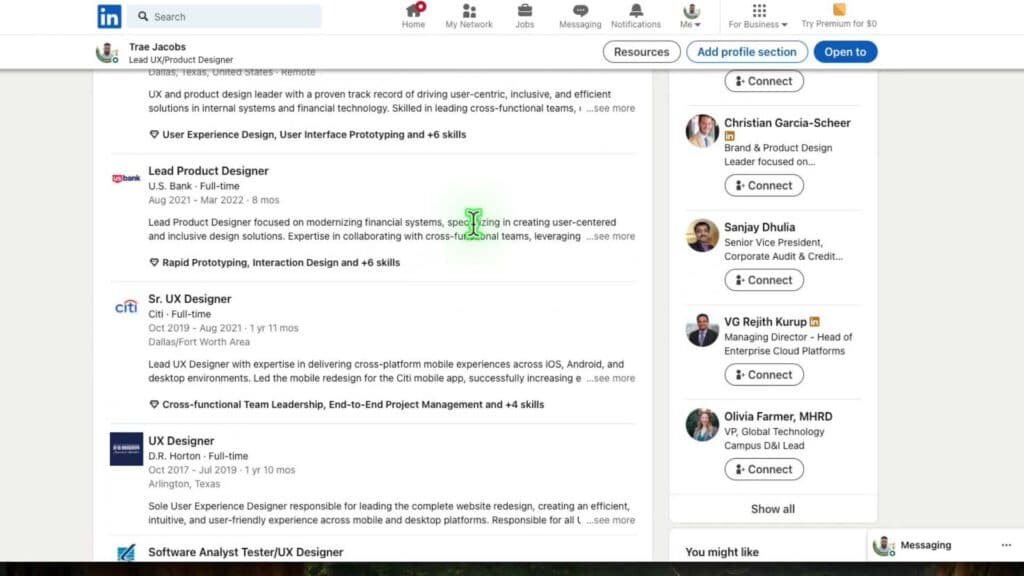
You have an outdated or incorrect job entry on your LinkedIn profile that you need to remove. You can delete it by following these steps.
- Scroll down your profile page to the Experiences section and locate the specific job you want to remove [0:18].
- Click the edit icon associated with that particular experience [0:25].
- Select the Delete experience button, then confirm your choice by clicking Delete [0:35].
Ninja Tip: If you prefer not to delete an experience permanently, you can reorder your job entries by clicking the pencil icon at the top of the Experience section and dragging the items into your desired order.
If your profile display remains incorrect, you can reach out to LinkedIn support by navigating to Help > Get help.
Keep Reading


