How to Delete Apps From Your Roku TV

By Trae Jacobs,

When you buy through our links, we may earn an affiliate commission.
You have apps on your Roku home screen that you no longer use. You can quickly remove them to clean up your interface.
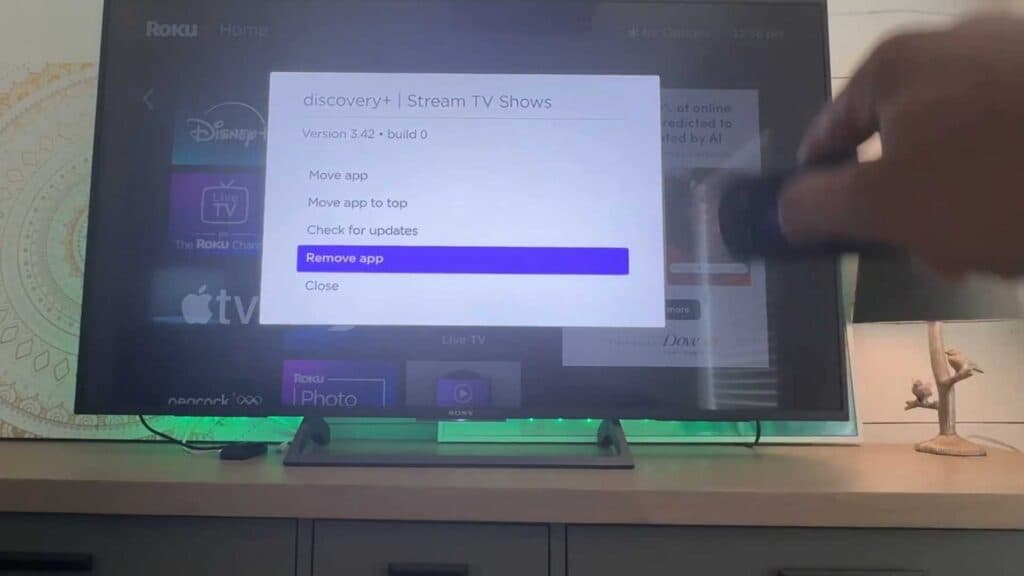
- Use your remote to highlight the app you want to delete from your home screen. [0:15]
- Press the star key on your remote to open the options menu. [0:28]
- Select Remove app from the menu and confirm your choice to finish the deletion.
Ninja Tip: If you want to reinstall an app later, you can find it again by going to the Store or Search menu on your home screen and adding it back to your device at any time.
If the device continues to malfunction, navigate to Settings > System > Advanced system settings > Factory reset.
Keep Reading



