How to Delete a Facebook Review You Left on a Business Page

By Trae Jacobs,

When you buy through our links, we may earn an affiliate commission.
You want to remove a review you previously posted on a Facebook business page. You can delete your feedback directly through your account settings on the platform.
- Go to the business page where you left your review.
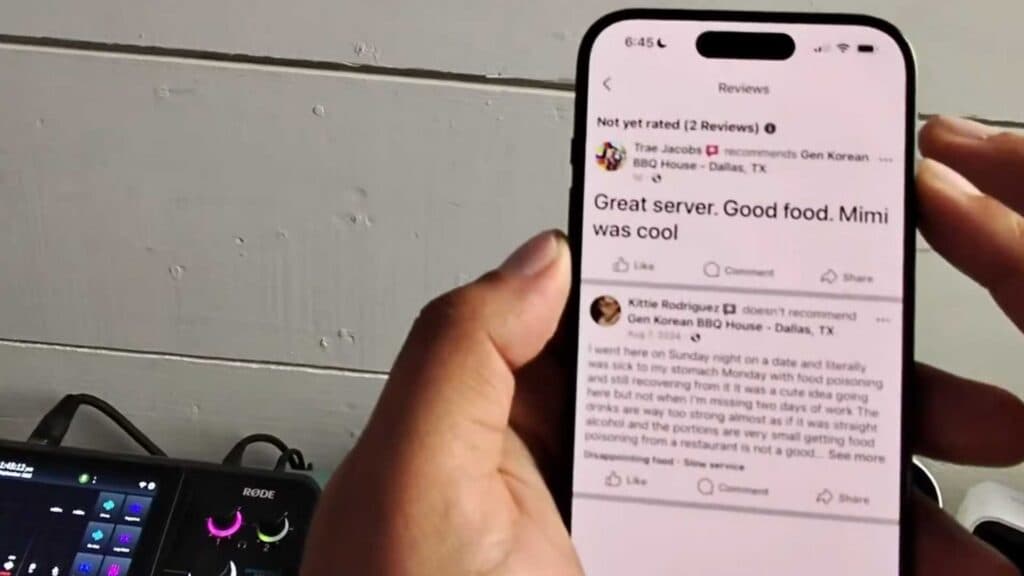
- Select the Reviews or stars section on the page to view the list of comments [0:26].
- Locate your specific review and click the three dots icon next to it [0:34].
- Select Delete from the menu options and confirm your choice to remove the review from the page.
Ninja Tip:
If you decide you want to rewrite your feedback later instead of just deleting it, choose the Edit option in that same three-dot menu to update your existing review content without removing your star rating history.
If you are unable to remove your review, check your account status by navigating to Settings & Privacy > Settings > Activity Log.
Keep Reading



