How to Create a Poll in a WhatsApp Group

By Trae Jacobs,

When you buy through our links, we may earn an affiliate commission.
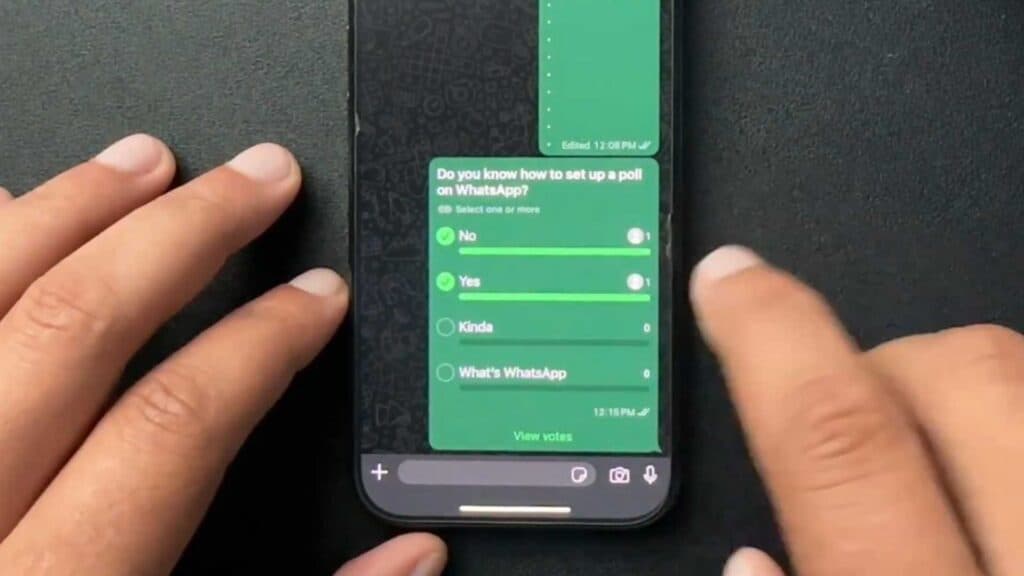
You want to survey your WhatsApp group members but cannot find the poll feature. You can create a custom poll in seconds by following these steps.
- Open the WhatsApp chat where you want to post your poll [0:07].
- Tap the plus sign button and select the poll option from the menu [0:18].
- Type your question and the available options for your group to choose from [0:23].
- Hold and drag the three lines next to your options if you need to reorder them [0:52].
- Tap the send button to share the poll with your group.
Ninja Tip: You can restrict group members to a single vote by toggling off the allow multiple answers switch in the poll creation screen before sending.
If the poll option remains missing, update your app via the App Store or Google Play Store.
Keep Reading




