How to Connect Your Sonos Move to a Bluetooth Device

By Trae Jacobs,

When you buy through our links, we may earn an affiliate commission.
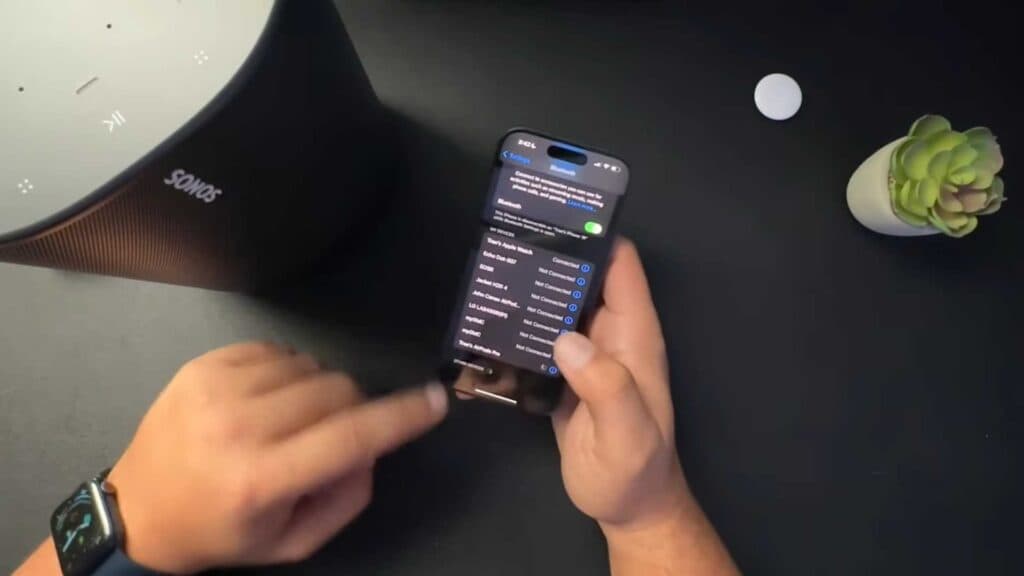
Your Sonos Move is not currently connected to your phone via Bluetooth. You can fix this by putting the speaker into pairing mode and selecting it from your device settings.
- Locate the Bluetooth button on the back of the Sonos Move and press it [0:37]. You will hear an audible tone, and the indicator light will start blinking blue to show it is in pairing mode [0:46].
- Open the Bluetooth settings on your phone or tablet. Locate your Sonos Move in the list of available devices and select it to complete the connection [1:06].
- Confirm the speaker is connected when the indicator light turns a solid blue color.
Ninja Tip: If your device doesn’t see the speaker, make sure it is fully charged and unplugged from the charging base, as the Sonos Move only enters Bluetooth mode when it is running on its internal battery.
If you still encounter connectivity issues, perform a factory reset by holding the Join button while powering the speaker on until the light flashes orange and white.
Keep Reading



