How to Connect Your Fire TV to Wi-Fi

By Trae Jacobs,

When you buy through our links, we may earn an affiliate commission.
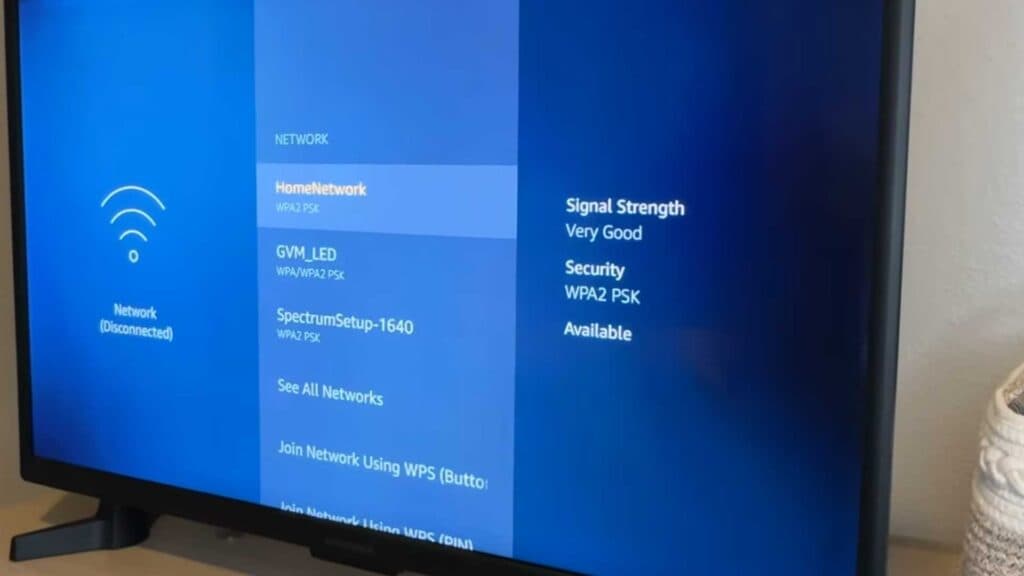
Your Fire TV is not connected to a Wi-Fi network. You can fix this by updating your network settings.
- From the home screen, navigate over to the Settings menu [0:21].
- Scroll down and select Network to view your available connections [0:27].
- Select your desired Wi-Fi network from the list, or choose “See all networks” if yours does not appear [0:33].
- Enter your password and select Connect.
- Press the Play button on your remote to check your network status.
Ninja Tip: If your Fire TV struggles to maintain a connection, try changing your router’s frequency band from 2.4GHz to 5GHz for faster, more stable performance if your router supports dual-band.
If you still cannot connect, you can perform a factory reset by going to Settings > My Fire TV > Reset to Factory Defaults.
Keep Reading




