How to Connect Your Ecobee Thermostat to a New Wi-Fi Network

By Trae Jacobs,

When you buy through our links, we may earn an affiliate commission.
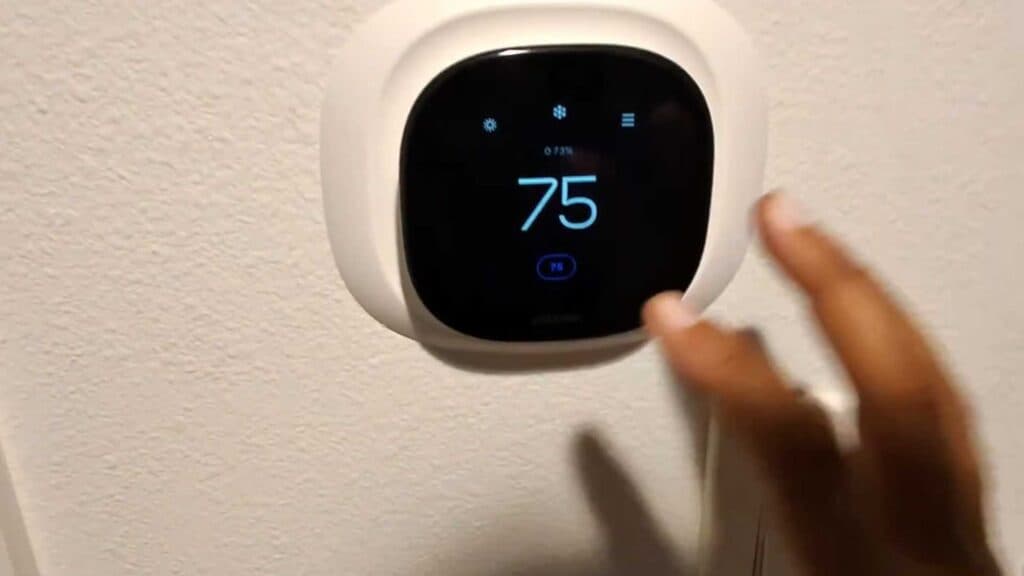
Your Ecobee thermostat is currently disconnected from your home network. You can quickly restore your connection by following these steps on the thermostat screen.
- Press the menu button on your thermostat screen [0:11].
- Navigate to the Settings menu [0:15].
- Scroll down to find and select the Wi-Fi option [0:18].
- Select your new network from the list and hit next [0:24].
- Enter your Wi-Fi password and select done to finish the connection [0:30].
Ninja Tip: If your thermostat refuses to connect, double-check that you are selecting a 2.4GHz network, as many older Ecobee models do not support 5GHz frequencies. If your router uses a single name for both bands, you may need to temporarily disable the 5GHz radio in your router settings to force the connection.
If you still can’t get it connected, you can perform a network reset by going to Main Menu > Settings > Reset > Reset Wi-Fi Settings.
Keep Reading




