How to Connect an Altec Lansing Bluetooth Speaker to Your Device

By Trae Jacobs,

When you buy through our links, we may earn an affiliate commission.
Your Altec Lansing Bluetooth speaker is not connecting to your phone or tablet. You can resolve this issue by following these steps.
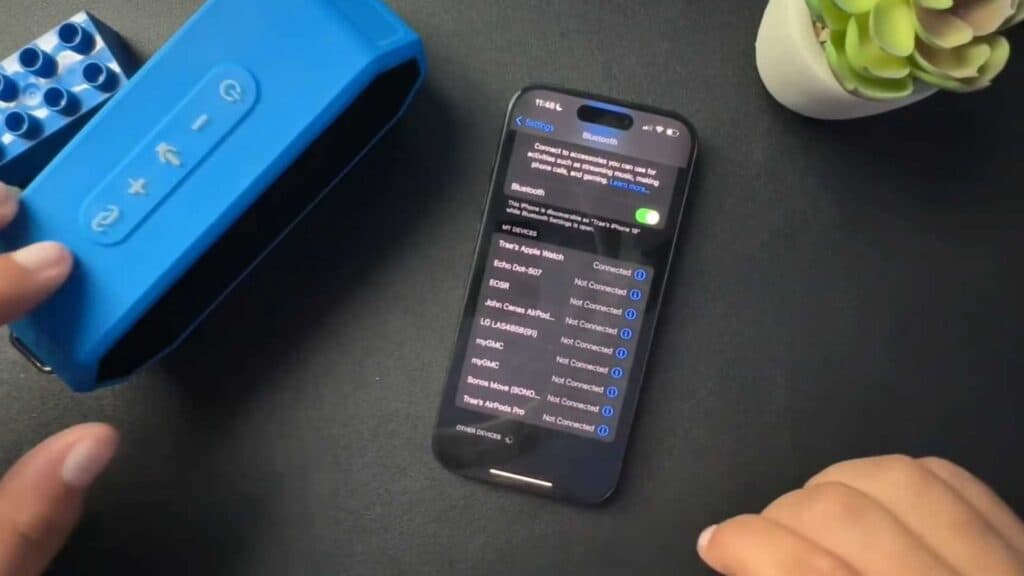
- Turn your speaker on and wait until the link light starts blinking blue to indicate it is ready to pair [0:28].
- Open the Bluetooth menu on your device, locate your speaker in the list of available devices, and select it to initiate the connection [0:47].
- Wait for the audible beep from the speaker, which confirms that the pairing process is successful [0:54].
Ninja Tip: If your speaker remains undiscovered, ensure no other nearby phones or computers are currently connected to it, as the speaker will automatically pair with the last device it remembers.
If you still cannot pair your speaker, perform a factory reset by following the specific reset instructions found in your model’s user manual.
Keep Reading


