How to Connect a Google Nest Speaker to a Bluetooth Device

By Trae Jacobs,

When you buy through our links, we may earn an affiliate commission.
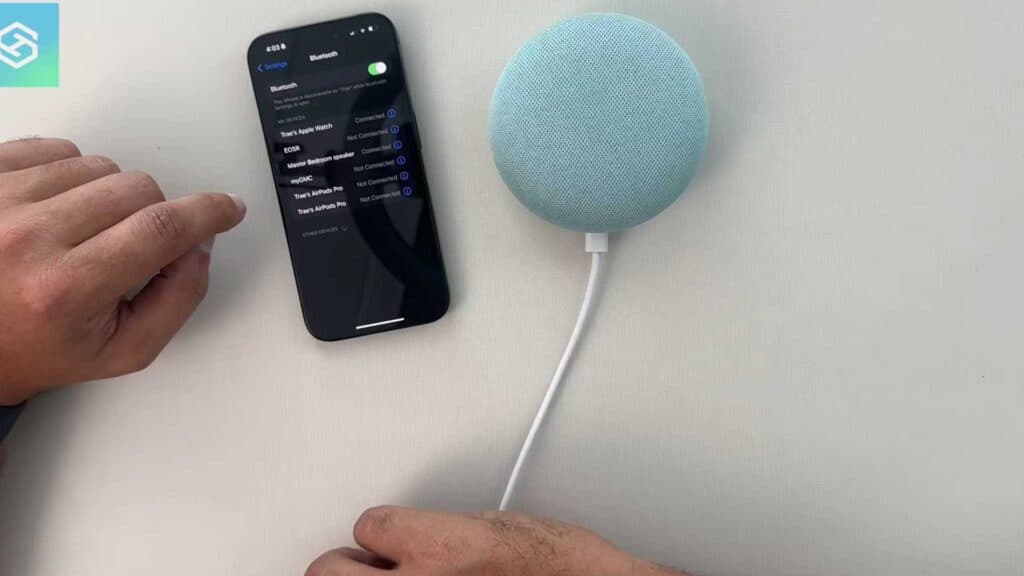
Your Google Nest speaker is not currently playing audio from your phone or computer. You can resolve this by enabling Bluetooth pairing mode directly within the Google Home app.
- Open the Google Home app on your mobile device and navigate to the Devices tab [0:41].
- Locate your speaker in the list and select it to open the device settings [0:53].
- Tap on Audio and then select Paired Bluetooth devices [1:04].
- Tap Enable pairing mode to make your speaker discoverable [1:15].
- Open the Bluetooth settings on your phone or computer and select your speaker from the list of available devices to complete the connection.
Ninja Tip: If your speaker does not appear in your device’s Bluetooth list, toggle your phone’s Bluetooth off and back on again, or ensure the speaker is connected to the same Wi-Fi network as your smartphone.
For persistent connectivity issues, perform a factory reset by holding down the button on the back of the device until the status lights indicate the reset process has begun.
Keep Reading



