How to Clear Storage and Fix Insufficient Memory on Roku

By Trae Jacobs,
When you buy through our links, we may earn an affiliate commission.
Your Roku device is displaying an insufficient memory notification that prevents you from using your apps. You can resolve this storage issue by following the steps below.
- Check your current storage usage by navigating to Settings > System > About to see if your specific device displays capacity details [0:23].
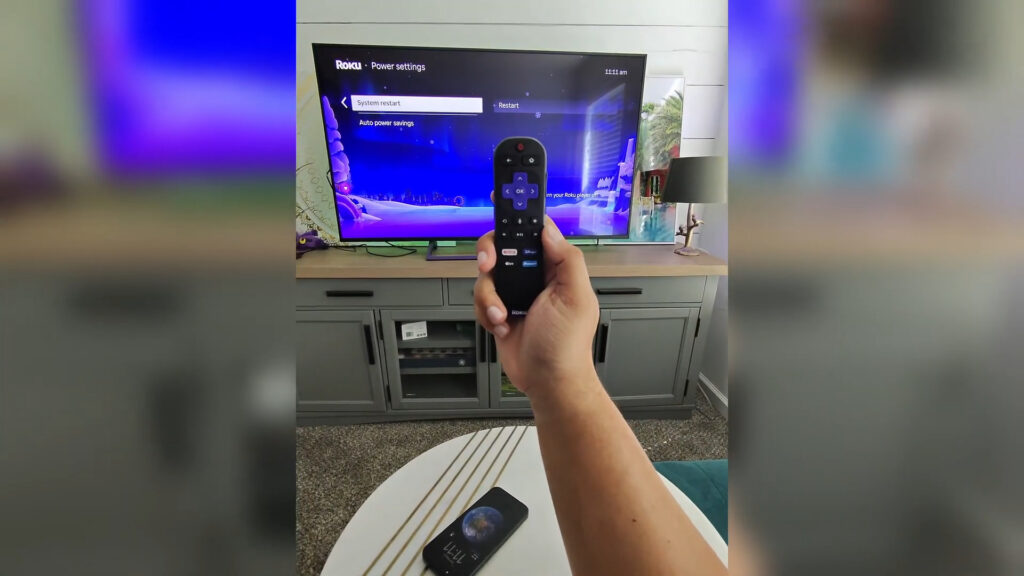
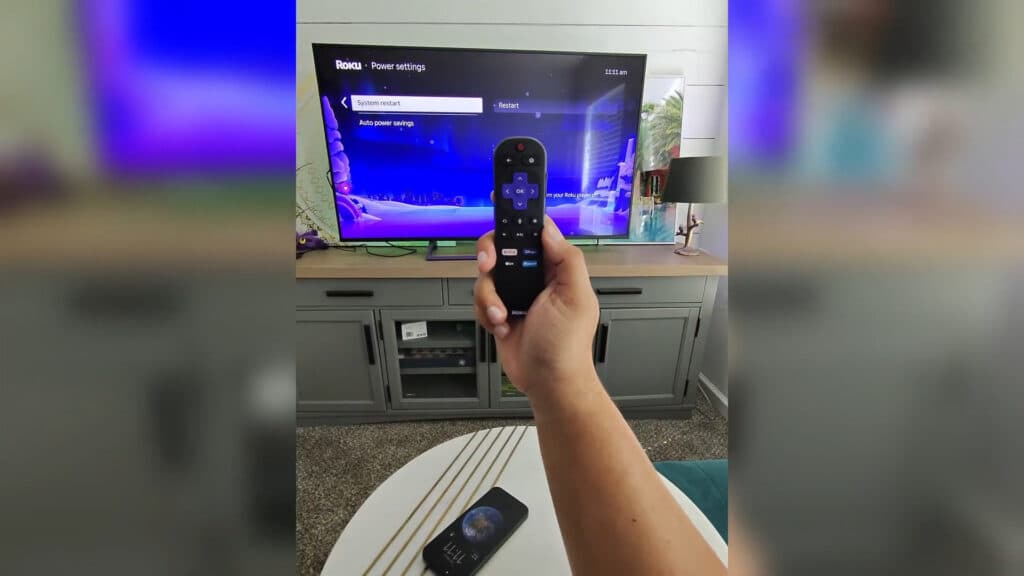
- Clear your system cache by restarting the device, which you can do by selecting Settings > System > Power > System restart [0:52].
- Alternatively, force a system restart by pressing these buttons on your remote in order: Home (5 times), Up (1 time), Rewind (2 times), and Fast Forward (2 times) [1:15].
- Remove unused channels by highlighting the app on your home screen, pressing the Star button on your remote, and selecting Remove app.
Ninja Tip: You can also check for and delete large, hidden data files by going to Settings > System > Storage (if available) to see which apps are hogging the most space.
If these steps do not clear enough space, you can perform a full factory reset by going to Settings > System > Advanced system settings > Factory reset.
Keep Reading



