How to Clear Roku Cache to Improve Streaming Performance

By Trae Jacobs,

When you buy through our links, we may earn an affiliate commission.
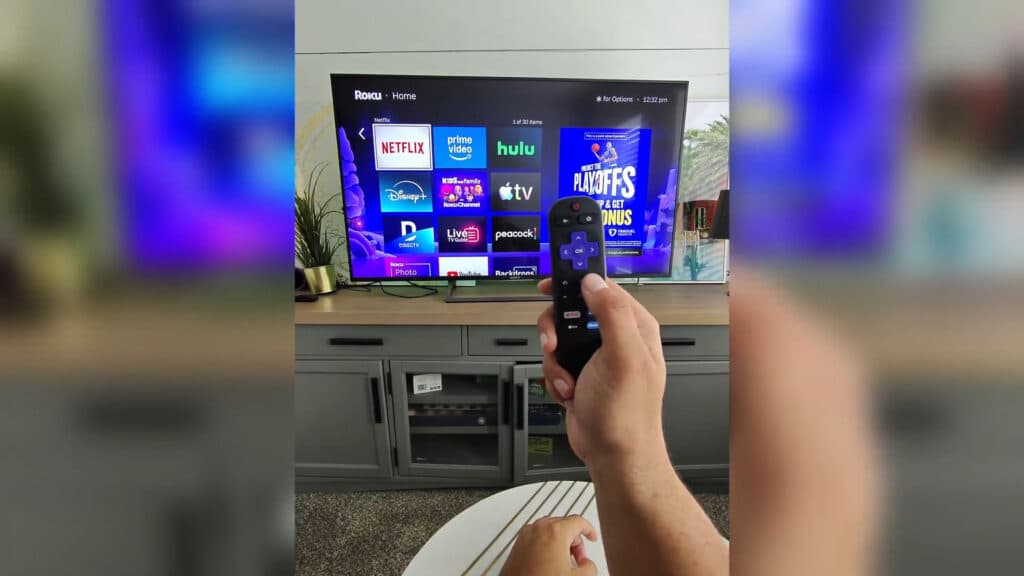
Your Roku device is running slowly and lagging during playback. You can resolve this issue by clearing the system cache.
- Use the physical reset button located on the back or bottom of your Roku device to force a restart [0:27].
- Navigate to Settings > System > Power > System restart to reboot the device through the menu [0:32].
- Perform a remote-based restart by pressing the Home button 5 times, Up once, Rewind twice, and Fast Forward twice [0:57].
- Select an app that is performing poorly and press the Star button on your remote to check for available updates.
Ninja Tip: Check your network connection by going to Settings > Network > Check connection to ensure your internet speed is sufficient for high-quality streaming.
If these steps do not improve performance, you can perform a factory reset by navigating to Settings > System > Advanced system settings > Factory reset.
Keep Reading



