How to Clear App Store Usage Data on iPhone

By Trae Jacobs,

When you buy through our links, we may earn an affiliate commission.
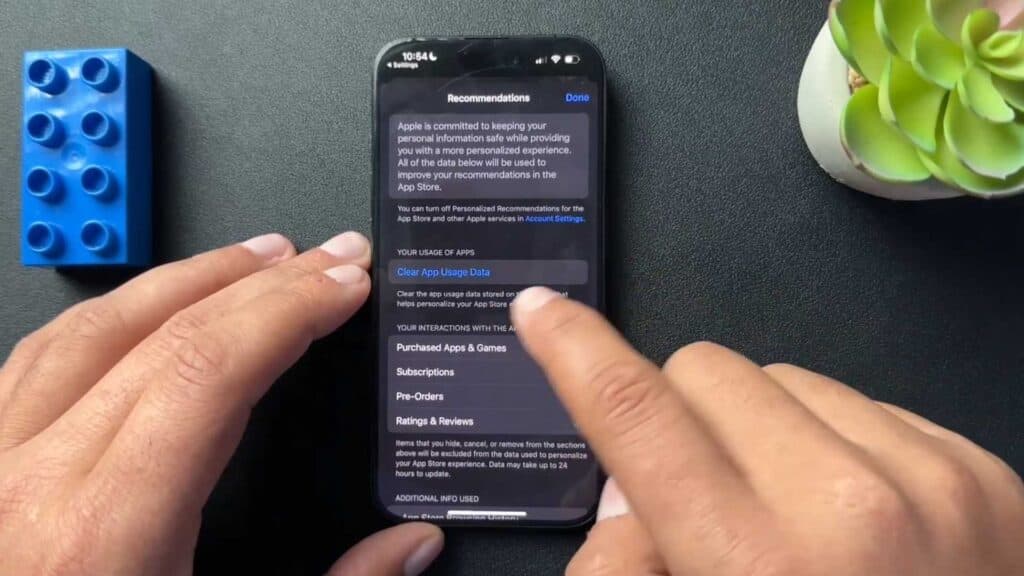
Apple tracks your app usage patterns to provide personalized recommendations in the App Store. You can clear this data to reset these suggestions and improve your privacy.
- Open your Settings app [0:39].
- Scroll down and tap on App Store [0:45].
- Scroll to the bottom of the page, tap Clear App Usage Data, and confirm your choice to remove the stored information.
Ninja Tip: To further limit tracking, go to Settings > Privacy & Security > Tracking and turn off “Allow Apps to Request to Track” to prevent apps from monitoring your activity across other companies’ apps and websites.
If you want a completely fresh start for your device, you can perform a factory reset by navigating to Settings > General > Transfer or Reset iPhone > Erase All Content and Settings.
Keep Reading



