How to Check Your Smart TV Internet Speed

By Trae Jacobs,

When you buy through our links, we may earn an affiliate commission.
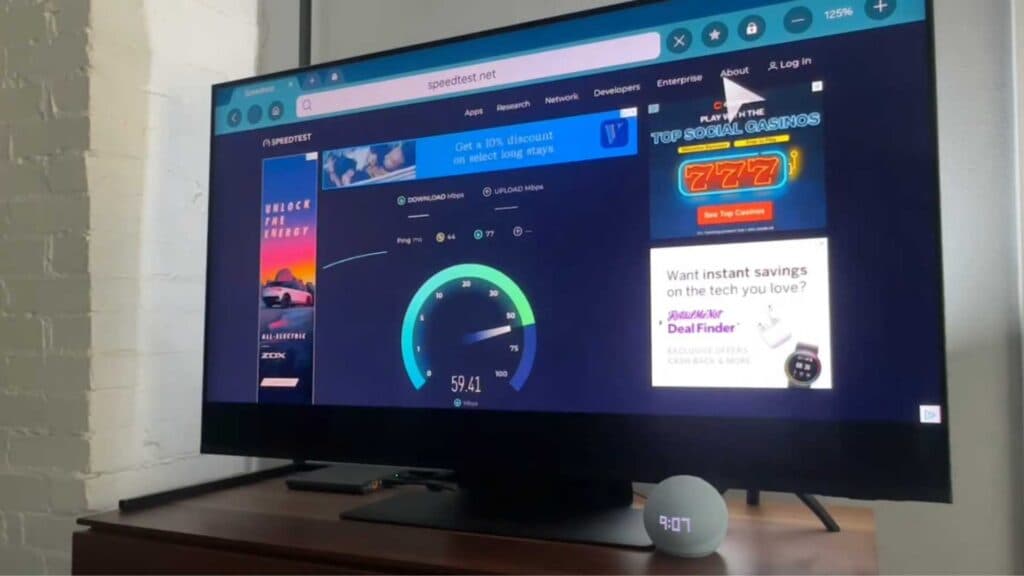
Your smart TV is currently running slow because the connection lacks sufficient speed. You can diagnose this issue by running a quick internet test directly on your screen.
- Locate and open the web browser on your television, which is often labeled as Internet [0:13].
- Navigate to the search bar and type in speedtest.net to visit the testing website [0:24].
- Use your remote keypad to select the Go button on the page to start the test [0:52].
- Follow the prompts on your screen to allow location access so the test can accurately measure your bandwidth [1:02].
- Wait for the download and upload results to appear on your display [1:14].
Ninja Tip: If your results show slow speeds, try restarting your router by unplugging it for 60 seconds, which often clears out network bottlenecks that throttle your streaming performance.
If these steps do not improve your speed, perform a factory reset by navigating to Settings > General > Reset.
Keep Reading


