How to Check Your Ring Camera Battery Life

By Trae Jacobs,

When you buy through our links, we may earn an affiliate commission.
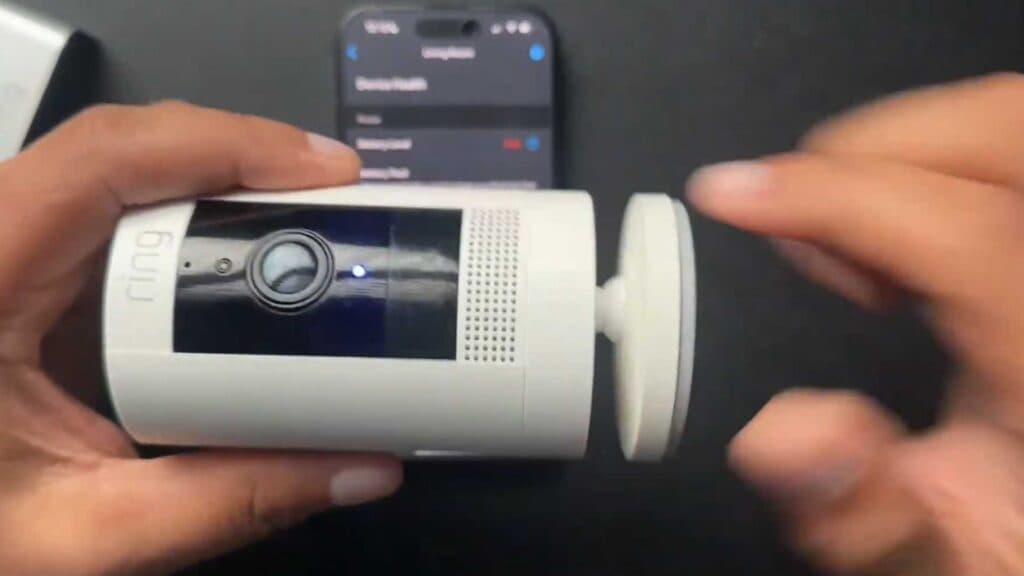
Your Ring camera battery is low and needs to be charged. You can easily check the current level using the Ring app or the physical lights on your charging unit.
- Check the charging station for lights; if you see a green and red or amber indicator, the battery is still charging [0:13].
- Wait until you see two green lights on the charger, which means the battery is fully charged and ready for use [0:22].
- Open the Ring app if the battery is already inside the camera and you need to see its status [0:27].
- Select your device from the main menu and look at the visual battery indicator at the top of the settings page [1:14].
- Tap on Device Health to view the exact percentage of your remaining battery life.
Ninja Tip: Keep a spare fully-charged battery on hand so you can quickly swap it out without leaving your Ring camera offline while the other one recharges.
If you still face issues, you can remove the device and set it up again through Devices > Set up a device.
Keep Reading



