How to Change Your Roku Wallpaper and Themes

By Sameer,

When you buy through our links, we may earn an affiliate commission.
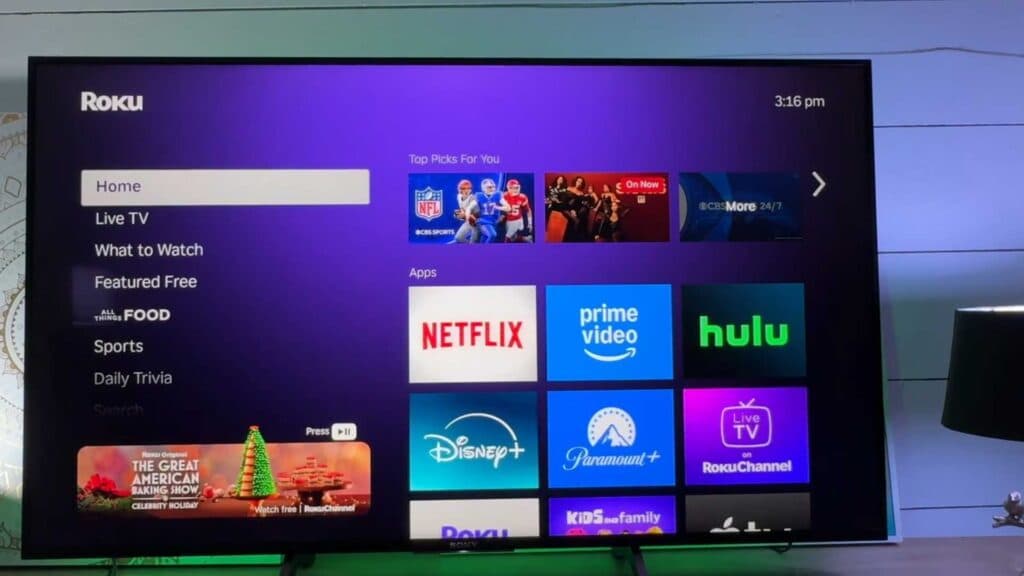
Your Roku background looks dull and you want to change it. You can easily update your home screen with a custom wallpaper or theme.
- Open the Settings menu on your Roku home screen and select Theme [0:18].
- Select Wallpapers to browse through the available static and dynamic background options [0:23].
- Choose your favorite design, select it, and then click Get wallpaper to apply the change [0:53].
- Explore the Theme packs section if you want to apply a bundled package that changes your wallpaper, screensaver, and system sounds at the same time.
Ninja Tip: You can set your Roku to automatically change themes based on the time of day or season by checking the “Featured Themes” category, which often includes limited-time seasonal packs that update automatically.
If these changes do not display correctly, perform a system reset by navigating to Settings > System > Advanced system settings > Factory
Keep Reading



