How to Change Your Roku Home Screen Background

By Trae Jacobs,

When you buy through our links, we may earn an affiliate commission.
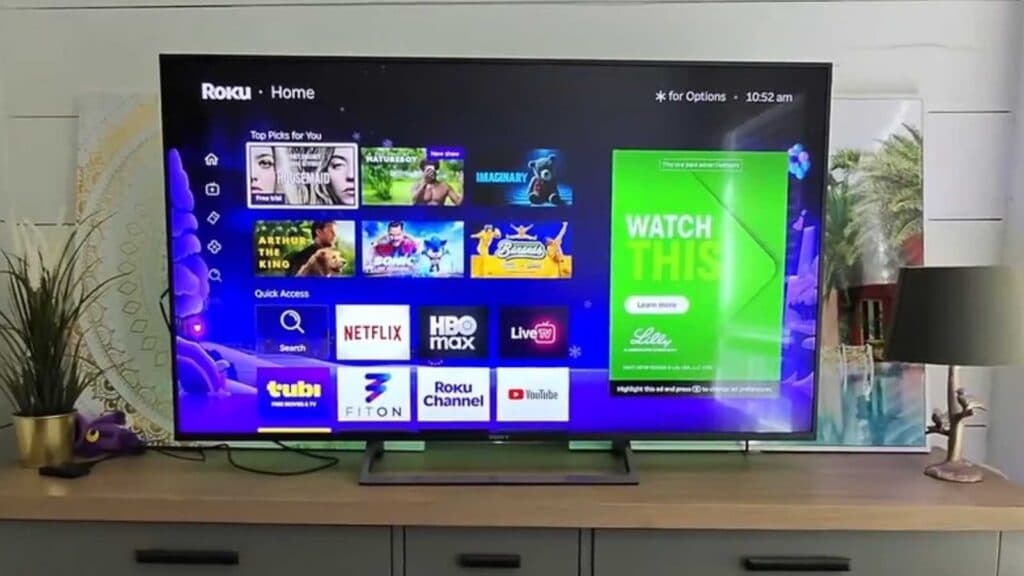
Your Roku home screen is currently stuck on the default background. You can update the look of your interface by following a few simple steps.
- Open the Settings menu on your Roku device and navigate to the Theme section [0:13].
- Select Wallpapers to choose a single background image, or select Theme packs to change your wallpaper, screensaver, and sounds all at once [0:23].
- Browse the available options and select your preferred design by pressing OK on your remote [0:48].
- Select Set as wallpaper to apply your new home screen background.
Ninja Tip: You can often find free, seasonal, or branded themes by visiting the “Theme Store” category within your Roku’s theme settings menu, which frequently updates with new artist-created designs.
If these steps do not resolve your issue, you can perform a factory reset by navigating to Settings > System > Advanced system settings > Factory reset.
Keep Reading



