How to Change Your Email Address on Instagram

By Trae Jacobs,

When you buy through our links, we may earn an affiliate commission.
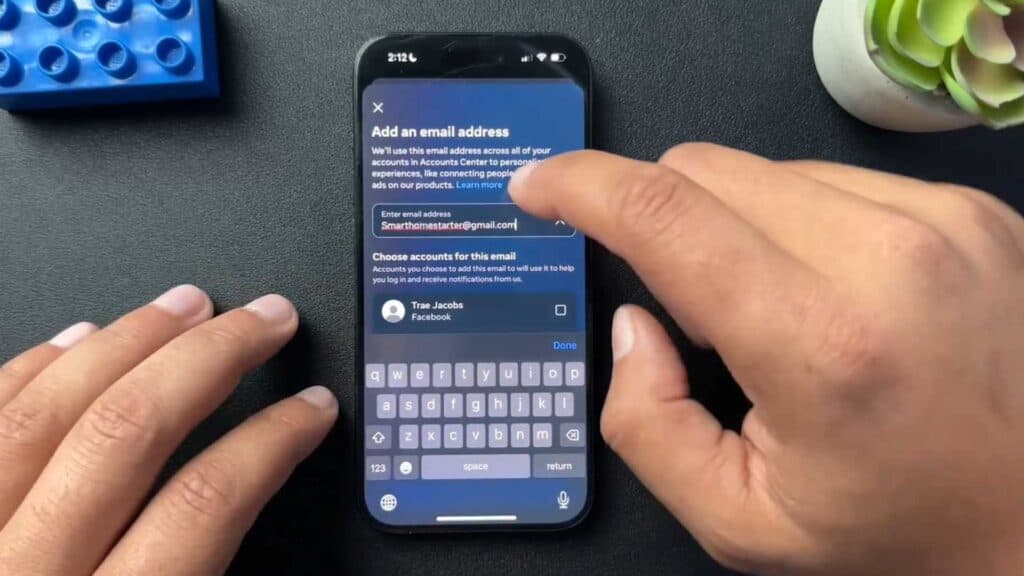
Your Instagram account currently links to an email address you want to replace. You can update this contact information using the Account Center settings.
- Open your profile by tapping the icon in the bottom right corner of the screen [0:08].
- Tap the three lines in the top right corner to open your settings [0:12].
- Select the Account Center option located at the top of the menu [0:19].
- Tap on Personal details to view your account information [0:25].
- Choose Contact info and then select Add new contact to enter your new email address [0:36].
- Select the Instagram account you want to update and follow the on-screen prompts to confirm the change using the codes sent to your new inbox.
Ninja Tip: Always check your spam or promotions folders immediately if you do not receive the verification code from Instagram, as these security emails are often filtered out by providers.
If you lose access to your account entirely, navigate to the login screen and tap “Forgot password?” to begin the recovery process through your linked phone number or email.
Keep Reading



