How to Change Your Default Email App on iPhone

By Trae Jacobs,

When you buy through our links, we may earn an affiliate commission.
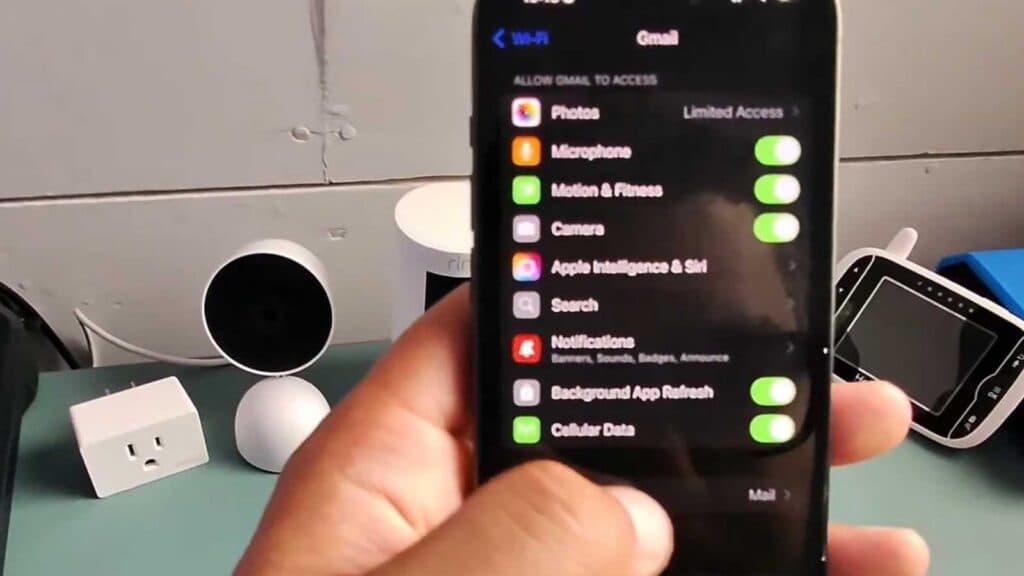
Your iPhone currently opens the default Mail app every time you click an email link. You can change this setting so that your preferred app, such as Gmail, opens automatically instead.
- Open your iPhone’s Settings app [0:27].
- Scroll down to find and tap on the Apps section [0:37].
- Use the search bar to look for the email app you want to set as your default [0:41].
- Select your preferred email app, scroll to the bottom, and tap on Default Email App [0:48].
- Choose your desired email provider from the list to automatically save the new default setting.
Ninja Tip: If your preferred email app does not appear in the list, make sure you have the latest version of the app installed from the App Store and that you are signed in to your account within that app.
If the change does not persist or the app continues to malfunction, go to Settings > General > Transfer or Reset iPhone > Reset > Reset All Settings.
Keep Reading



