How to Change the Wi-Fi Network on an Amazon Echo

By Trae Jacobs,

When you buy through our links, we may earn an affiliate commission.
Your Echo device is not connected to your current Wi-Fi network. You can update the settings in your Alexa app to get it back online.
- Open your Alexa app and select the Echo device you want to update from your list of devices [0:18].
- Tap the Settings icon for that device and navigate to the Wi-Fi network section [0:29].
- Tap Change to begin the setup process [0:36].
- Select Join another Wi-Fi network in the app [0:46].
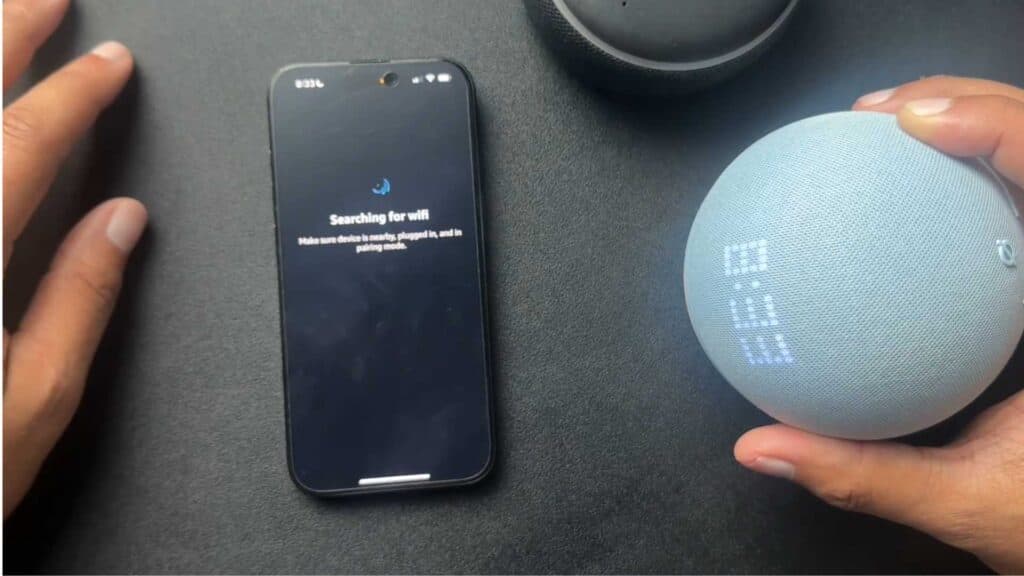
- Press and hold the action button (the circle icon) on your Echo device until it displays an orange light to enter setup mode [0:54].
- Follow the remaining prompts in the Alexa app to choose your new network and confirm your device location.
Ninja Tip: If your Echo refuses to connect after selecting the network, restart your router by unplugging it for 30 seconds before trying the setup again. This simple power cycle clears out temporary connection errors that often block new devices.
If you still face issues, you can perform a factory reset by navigating to Device Settings > About > Factory Reset.
Keep Reading