How to Change the Time and Clock Format on Roku

By Trae Jacobs,

When you buy through our links, we may earn an affiliate commission.
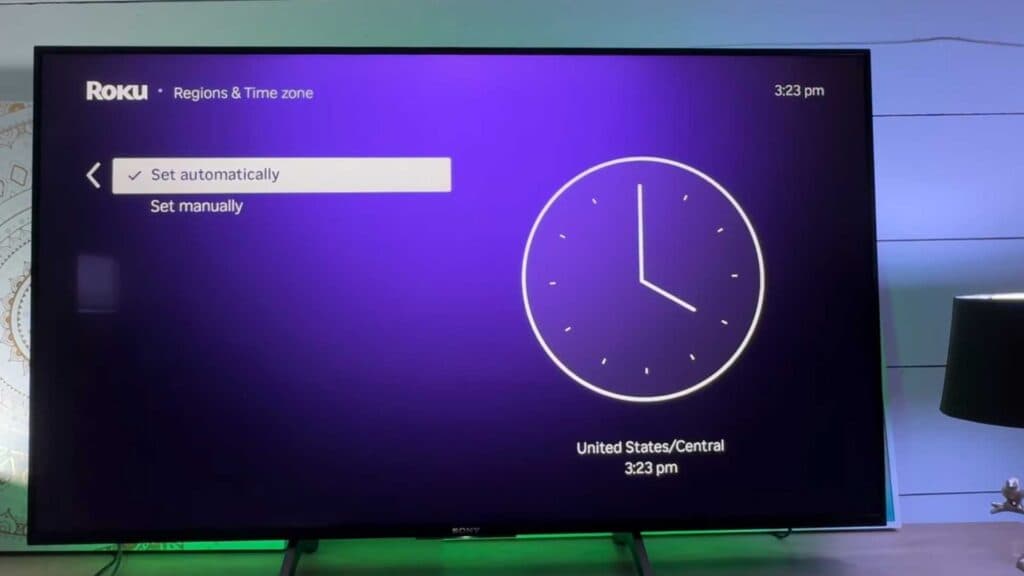
Your Roku device displays the incorrect time. You can fix this by updating the settings in your system menu.
- From your Roku home screen, scroll down to the Settings menu [0:18].
- Select System and then click on Time to open the clock configuration menu [0:26].
- Choose your correct time zone or toggle the settings to update your time automatically [0:34].
- Select Time format to toggle between the 12-hour standard clock or the 24-hour military time setting.
Ninja Tip: If your Roku clock remains incorrect after manual adjustment, check that your router’s firmware is up to date, as an outdated network time protocol (NTP) sync can cause persistent device clock errors.
If these steps do not resolve the issue, you can perform a factory reset by navigating to Settings > System > Advanced system settings > Factory reset.
Keep Reading



