How to Change the Sidebar Position in Apple CarPlay

By Trae Jacobs,

When you buy through our links, we may earn an affiliate commission.
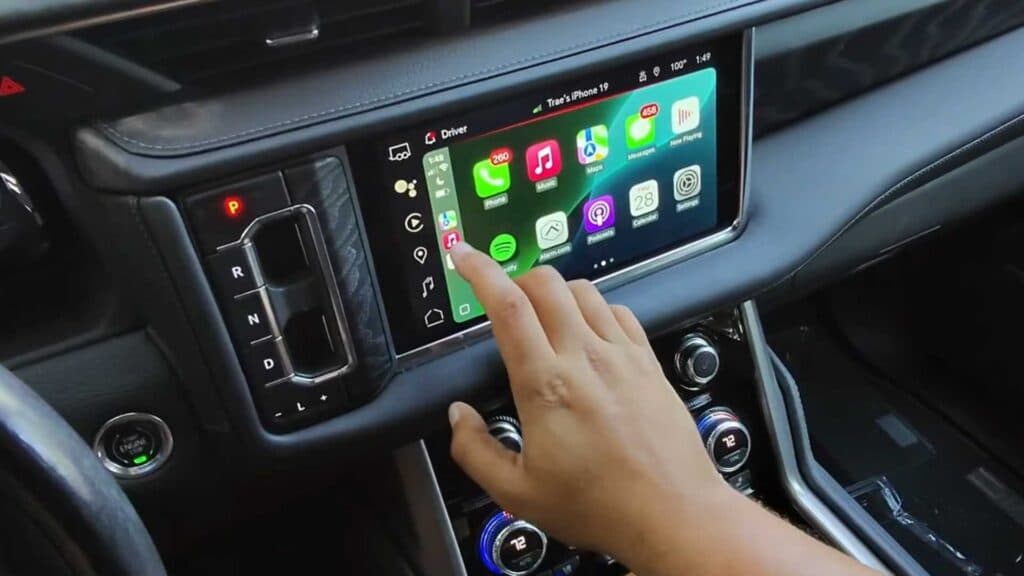
Your Apple CarPlay sidebar is stuck on the wrong side of your car’s display. You can follow these steps to see if you have the option to move it.
- Open the Settings app on your iPhone and go to General, then tap on CarPlay [0:16].
- Select your car from the list to see if a toggle for the sidebar position appears on your screen [0:22].
- If that option is missing, try opening different apps to see how they affect the sidebar display, as the interface automatically organizes apps based on their category [0:41].
Ninja Tip: Instead of looking for a setting on your iPhone, check your car’s native infotainment settings menu for a “Driver Position” or “Steering Wheel Side” option, as many vehicles control the sidebar layout based on whether your car is left-hand or right-hand drive.
If you still cannot change the position and suspect a system glitch, you can reset your network settings by going to Settings > General > Transfer or Reset iPhone > Reset > Reset Network Settings.
Keep Reading

