How to Change the Screensaver on Your LG TV

By Trae Jacobs,

When you buy through our links, we may earn an affiliate commission.
Your LG TV displays the same default screensaver when left idle. You can easily update this background to better match your personal style.
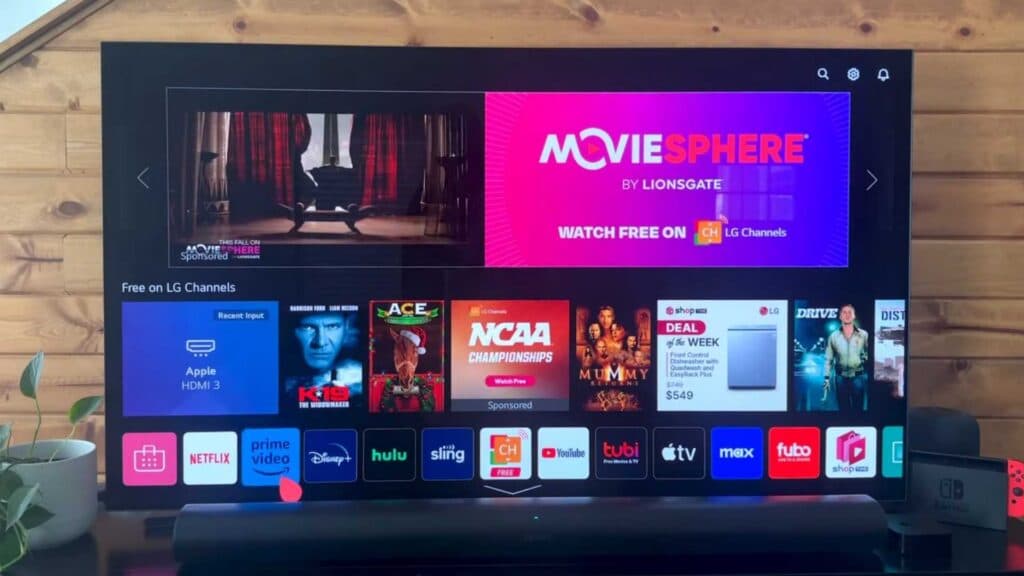
- Press the Home button on your remote to open the main dashboard [0:13].
- Scroll through the menu to find and select the Art Gallery app [0:23].
- Hover over the available themes to see a preview of the different pictures they contain [0:41].
- Select your preferred theme by pressing the Select key, or click the download arrow to save a new one to your TV [0:52].
- Open your newly downloaded theme to begin using it as your screensaver [1:24].
- Adjust the audio for your chosen theme by pressing the down arrow on your remote to find the Music settings and toggling the sound on or off.
Ninja Tip: You can also display your own photos as a screensaver by opening the Gallery app and selecting My Photos to add images from a connected USB drive.
If these steps do not resolve your issue, you can perform a full reset by navigating to Settings > General > System > Reset to Initial Settings.
Keep Reading


