How to Change the Name of Your Meta Ray-Ban Smart Glasses

By Trae Jacobs,

When you buy through our links, we may earn an affiliate commission.
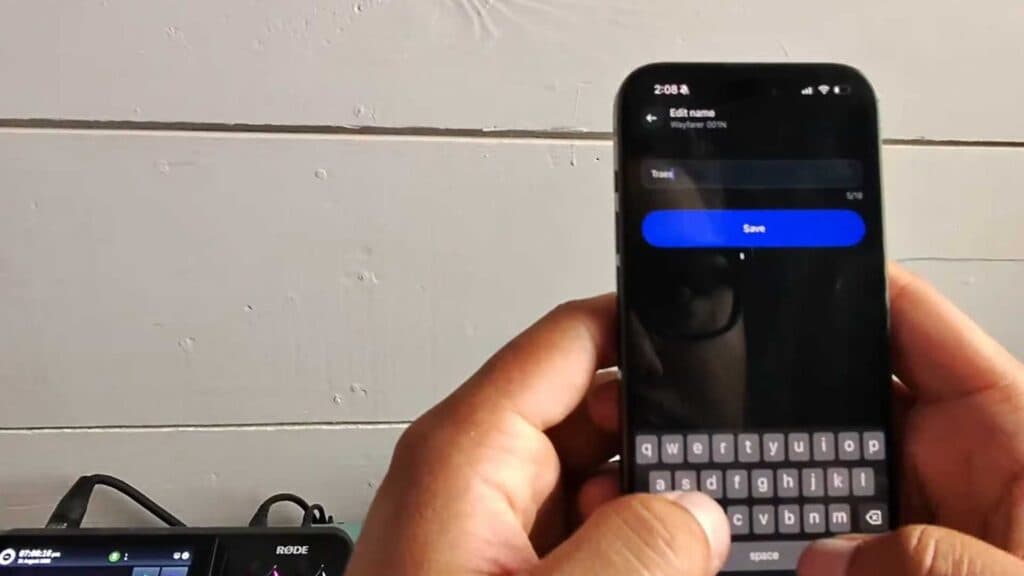
Your Meta Ray-Ban Smart Glasses currently display a default, unidentifiable name in your device settings. You can rename them to something more personal using the Meta View app.
- Open the Meta View app on your phone and select your connected glasses [0:21].
- Tap the settings icon to open the device menu, then select General [0:23].
- Tap on About and select Name to enter your custom label for the glasses [0:26].
- Type in your preferred name and save your changes.
- Disconnect your glasses from your phone’s Bluetooth settings and reconnect them to ensure the new name updates across your system.
Ninja Tip: If the name doesn’t update immediately, try toggling your phone’s Bluetooth off and back on again to force a refresh of the device list.
If you still encounter issues, you can perform a factory reset by navigating to Settings > Factory Reset within the Meta View app.
Keep Reading



