How to Change Source on Samsung TV Without a Remote

By Trae Jacobs,

When you buy through our links, we may earn an affiliate commission.
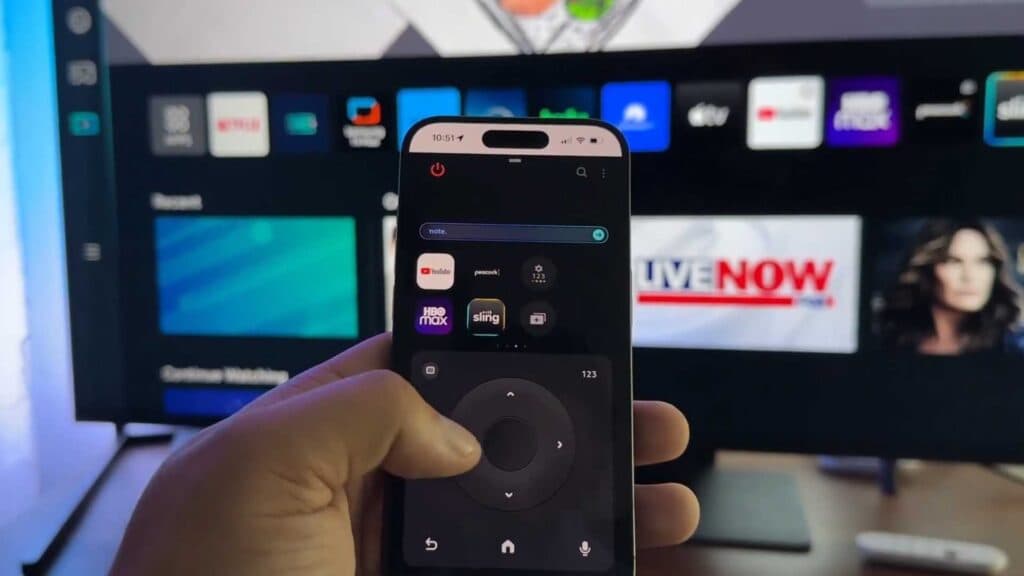
You cannot switch the input source on your Samsung TV because your remote is missing. You can resolve this issue using the SmartThings app or the physical controls on the television.
- Download the SmartThings app on your smartphone and ensure both your phone and TV are connected to the same Wi-Fi network. Add your TV to the app to use your phone as a full-featured remote control [0:12].
- Locate the physical button on your TV, which is typically found underneath the Samsung logo. Press the button once to open the menu and tap it repeatedly to cycle through the options until you reach “Source” [1:00].
- Press and hold the button to select the source and cycle through your available connected devices.
Ninja Tip: If you have a standard USB keyboard, you can plug it directly into one of the USB ports on the back of your TV to navigate menus and change inputs using the arrow keys and enter button.
If these methods do not resolve your input issue, you may need to perform a factory reset by navigating to Settings > General > Reset.
Keep Reading


