How to Cancel Your Spotify Premium Subscription

By Trae Jacobs,

When you buy through our links, we may earn an affiliate commission.
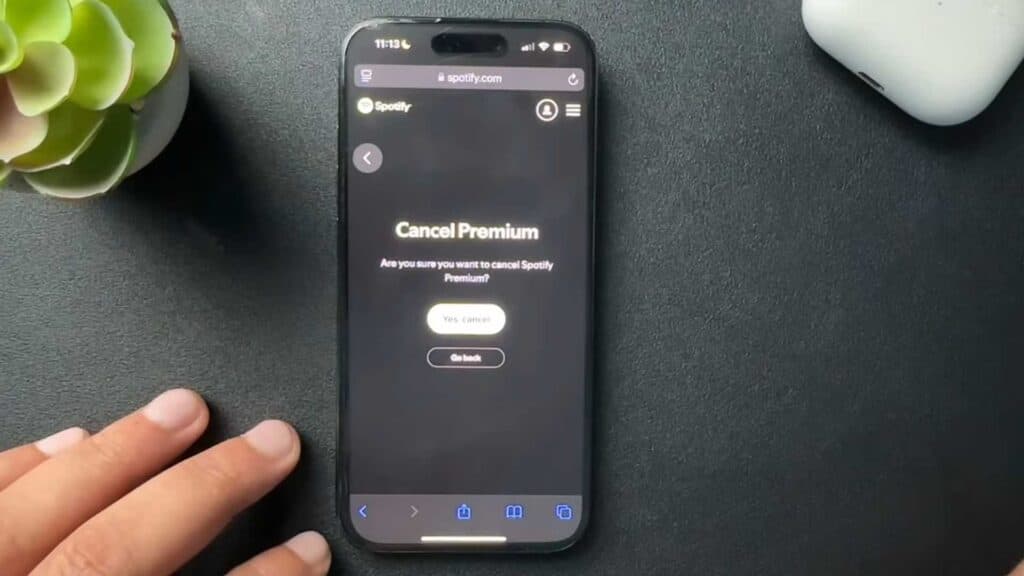
You cannot cancel your Spotify Premium subscription directly inside the mobile app. You can easily fix this by using a web browser.
- Open a web browser and go to spotify.com to log into your account [0:40].
- Open your settings and tap on the view account section [0:58].
- Scroll down until you find the manage your subscription option [1:08].
- Select the cancel subscription button and follow the prompts to confirm your choice.
Ninja Tip: If you signed up through a third-party service like Apple, Google Play, or your mobile carrier, you must manage or cancel your subscription directly through that specific provider’s subscription settings.
To permanently delete your data after canceling, go to Settings > Account > Close your account.
Keep Reading