How to Bypass a Sensor on your ADT Alarm System

By Trae Jacobs,

When you buy through our links, we may earn an affiliate commission.
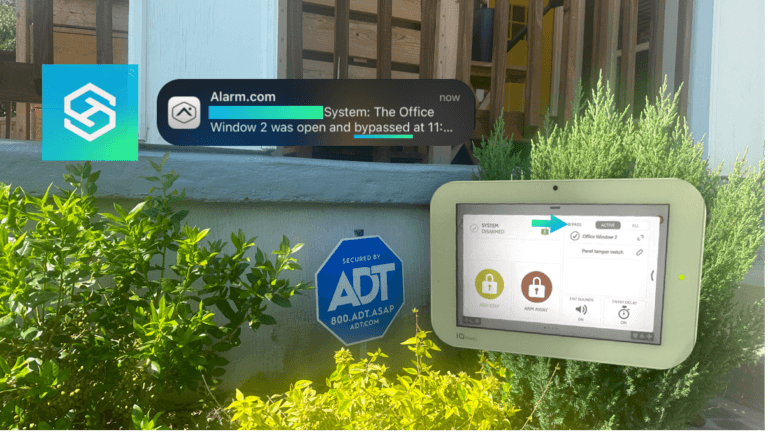
Your alarm system prevents you from arming the security because a door or window sensor is currently active. You can manually bypass the zone to arm your system without securing that specific entry point.
- Verify that the door or window you want to bypass is currently open before you attempt to arm the system [0:46].
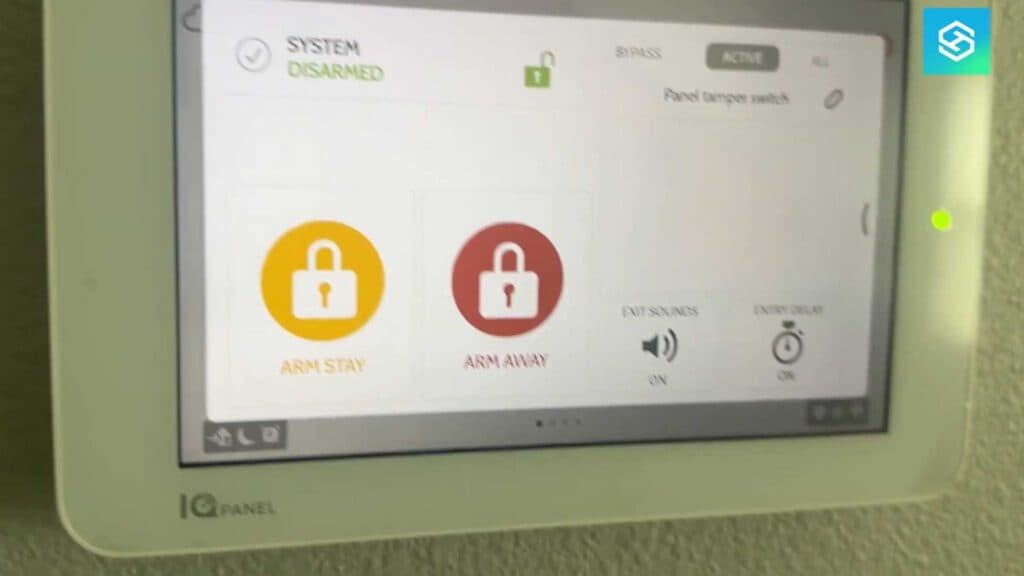
- Select the Arm Stay button on your IQ Panel to automatically trigger a bypass for the active sensor [0:58].
- Open the side panel by tapping the arrow icon on your screen if you need to bypass a zone that isn’t currently active [1:46].
- Select the bypass menu and choose the specific zone or sensor you want to ignore [1:54].
- Confirm your selection and arm the system as you normally would to activate the security with your chosen zone bypassed.
Ninja Tip: Check your mobile app to see if you can remotely bypass sensors, as many ADT systems allow you to manage zones directly from your smartphone without touching the main panel.
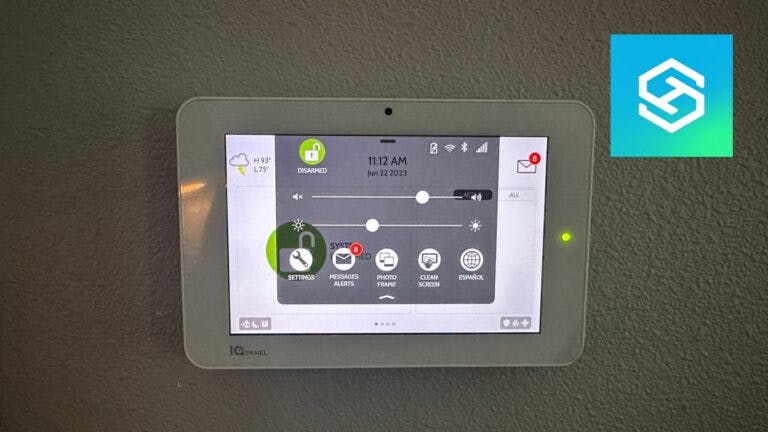
For persistent issues where sensors refuse to arm, try a system reboot by going to Settings > Advanced Settings > Reboot System.
Keep Reading