How to Block Specific Websites on an iPhone

By Trae Jacobs,

When you buy through our links, we may earn an affiliate commission.
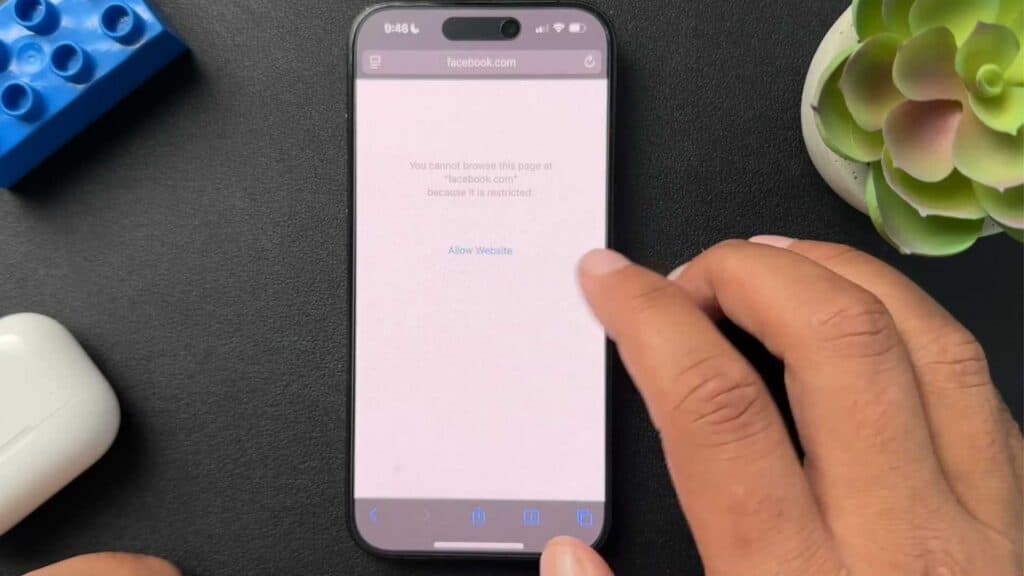
Your iPhone currently allows access to websites you want to restrict. You can block these sites using built-in Screen Time settings.
- Open your Settings app and tap on the Screen Time menu [0:23].
- Scroll down and select the Content & Privacy Restrictions option [0:35].
- Tap on the Content Restrictions section, then choose the Web Content setting [0:44].
- Select the Limit Adult Websites option and tap the Add Website button under the Never Allow header to type in the URL you want to block [1:22].
- If you ever need to unblock a site, simply swipe left on the address in your list and tap the Delete button.
Ninja Tip: Set a Screen Time passcode by selecting Use Screen Time Passcode in the main Screen Time menu to prevent others from changing your restrictions.
If these restrictions still do not apply as expected, perform a network settings reset by going to Settings > General > Transfer or Reset iPhone > Reset > Reset Network Settings.
Keep Reading



