How to Apply a Screen Protector Without Bubbles

By Trae Jacobs,

When you buy through our links, we may earn an affiliate commission.
Glare on your phone screen interferes with your viewing experience. You can install a new screen protector to fix this issue quickly.
- Clean the phone display thoroughly with an alcohol pad and a microfiber cloth to remove all grime and fingerprints [1:09].
- Use the included adhesive stickers to lift any remaining dust particles off your screen [1:28].
- Attach the alignment guide to the top of your phone to ensure the protector sits perfectly straight [1:40].
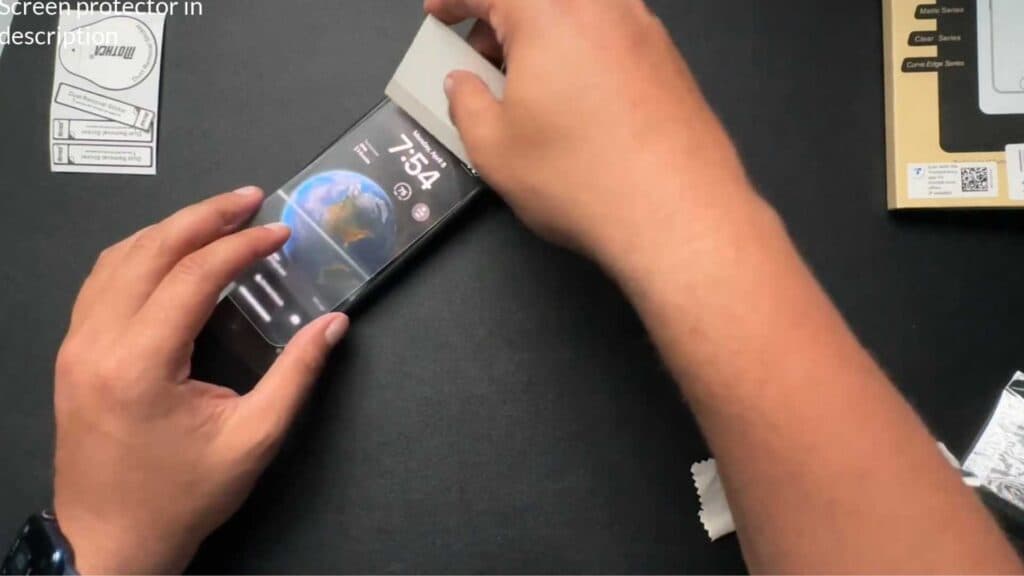
- Peel the sticky backing off the protector and line it up with the guide before lowering it onto the screen [1:51].
- Press down to secure the protector and push any air bubbles out toward the edges [2:23].
- Remove the guide and give your phone a final wipe down to finish the installation.
Ninja Tip: If you see a tiny bubble you cannot push out, gently lift the edge of the protector near that spot and use a piece of tape to dab away the dust particle trapped underneath.
For persistent display issues, perform a factory reset via Settings > General > Transfer or Reset iPhone > Erase All Content and Settings.
Keep Reading



