How to Adjust Screen Brightness on Your Ecobee Thermostat

By Trae Jacobs,

When you buy through our links, we may earn an affiliate commission.
Your ecobee thermostat screen is currently either too bright or too dim for your liking. You can adjust these settings directly on the device to get the perfect level of visibility for your home.
- Open the main menu on your thermostat screen [0:07].
- Select Settings, then scroll down and choose Preferences [0:11].
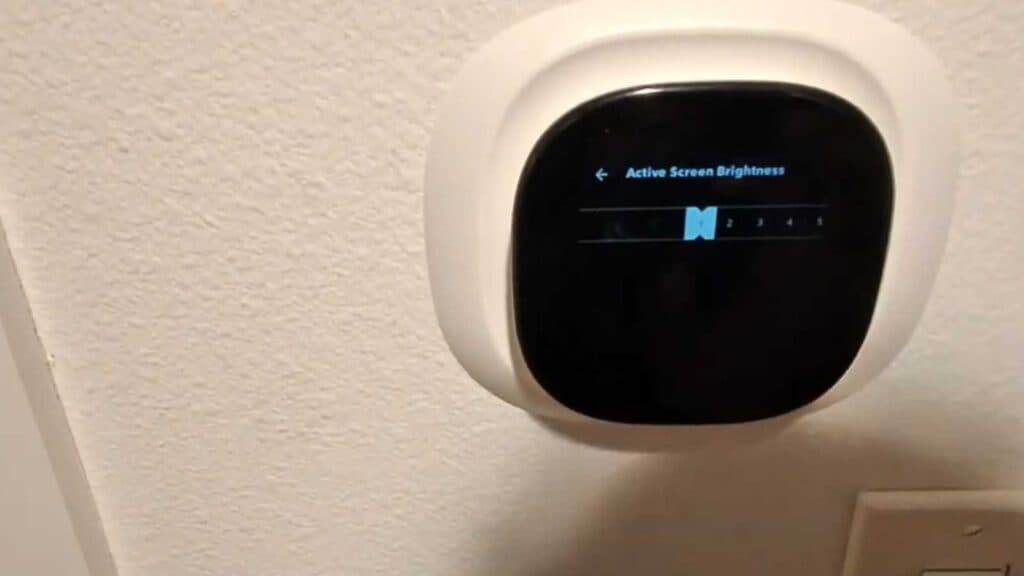
- Select Active screen brightness to adjust how bright the display is while you are actively using it [0:19].
- Use the Standby screen brightness setting to choose how bright the screen remains when it is idle [0:30].
- Toggle the setting to turn the screen off completely during your scheduled sleep hours [0:53].
- Adjust the active to standby screen timer to control how long the device stays fully lit after you finish using it.
Ninja Tip: If you want your thermostat to be even less intrusive, you can also adjust the display brightness and sleep settings remotely using the ecobee mobile app under the device settings menu.
If you need to perform a factory reset, you can find this option under Main Menu > Settings > Reset.
Keep Reading




