How to Adjust or Turn Off Your HelloBaby Monitor Screen

By Trae Jacobs,

When you buy through our links, we may earn an affiliate commission.
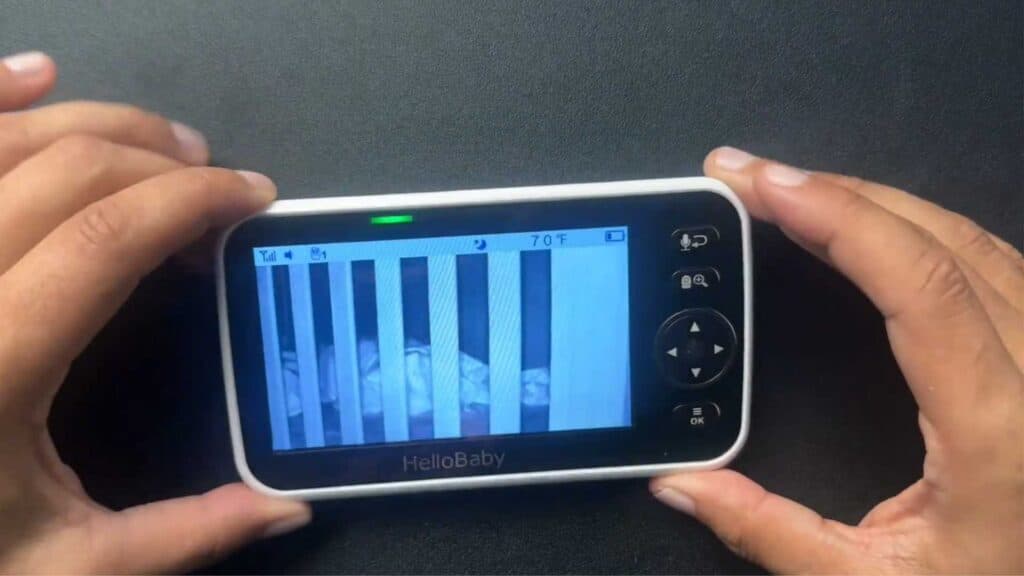
Your HelloBaby monitor screen stays on at night, making the room too bright for you to sleep. You can easily dim the display or disable it completely to solve this.
- Tap the power button once to quickly toggle the screen off or back on when your baby makes noise. [0:23]
- Open the menu on your monitor and locate the brightness icon. [0:52]
- Select the icon to manually adjust the brightness levels up or down using the provided settings. [1:02]
- Press and hold the power button to turn the screen off entirely until you need to wake it up again.
Ninja Tip: If you are still seeing light from the monitor, place it face down on your nightstand or put a small piece of dark tape over the status LED light to eliminate any remaining glow.
If the screen remains unresponsive or keeps glitching, perform a factory reset by navigating to Menu > Settings > Default Settings.
Keep Reading



