How to Add YouTube Videos to Watch Later on a Smart TV

By Trae Jacobs,

When you buy through our links, we may earn an affiliate commission.
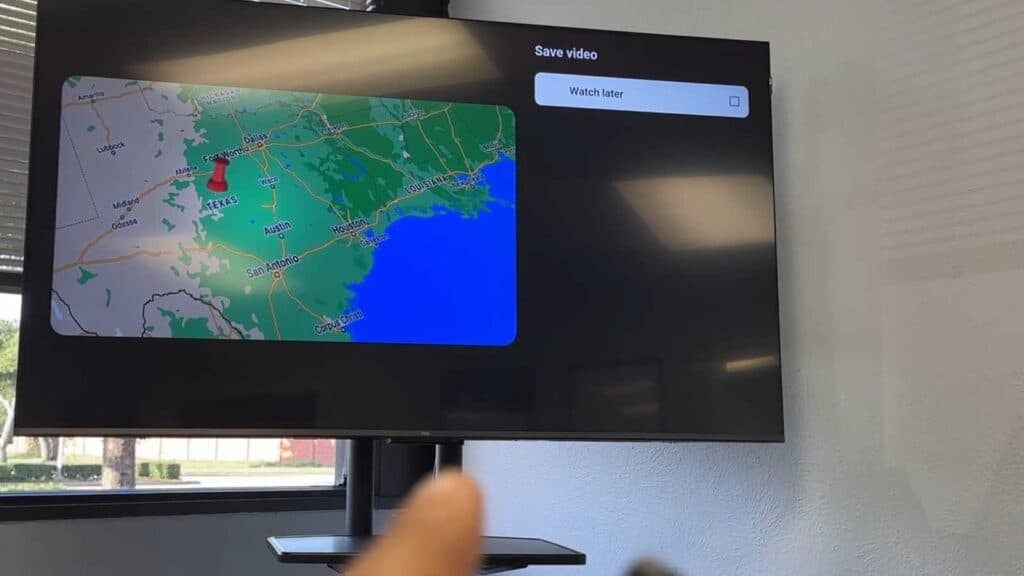
You are watching a YouTube video on your smart TV and want to save it for later viewing. You can add the video to your Watch Later list using your remote control.
- With the video playing, navigate to the Save button on the playback menu [0:18].
- Select Watch Later from the list of available playlists [0:30].
- To access your saved videos later, go to the Library section on the main YouTube home screen [0:48].
- Select Watch Later from the top of the menu to view all your saved videos.
Ninja Tip: You can also manage your Watch Later list directly from the YouTube mobile app; any changes you make there will automatically sync to your TV as long as you are signed into the same Google account.
If the application continues to fail, perform a power cycle by unplugging your TV for 60 seconds.
Keep Reading